Basic VPS protection consists of simple steps that should not be postponed
As soon as the server gets a public IP address, automated scanners start checking it. They look for open SSH or RDP access, exposed databases, common passwords, and outdated services. This is a routine mass search for poorly protected systems, not necessarily an attack aimed specifically at your website.
Even useful emails may not reach the recipient if the email is configured incorrectly
Sometimes, emails sent from a company’s professional address suddenly stop reaching recipients. Just yesterday, everything was working flawlessly, but today, messages quietly land in the “Spam” folder or vanish entirely along the way. Worst of all, critical documents get lost because of this: invoices, order confirmations, or support replies.
After setting up hosting, most users open Plesk for a few familiar tasks: adding a domain, creating a mailbox, uploading files, or opening a database. Their introduction to the panel often ends there. Meanwhile, it includes tools that can replace a separate website builder and simplify WordPress management, SSL certificate installation, project migration, and code deployment.
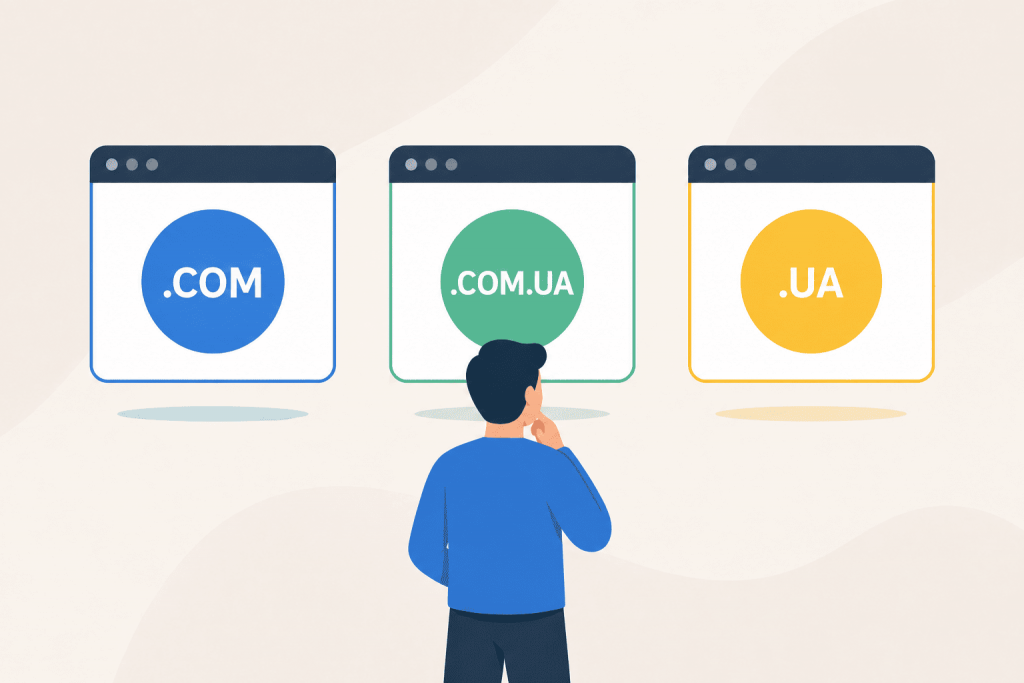
The domain zone should correspond not only to the name, but also to the market for which the site operates
When a website is almost ready, choosing a domain is often left until the last moment. It seems that the main thing is to find an available name. But then the question appears: should you take .COM, .COM.UA or .UA?
Text transmission becomes part of a broader interaction between a person and a system
The keyboard feels so familiar that it is easy to see it as a permanent part of the computer. We use it to enter passwords, write emails, work with websites, manage a server through the terminal, place an order in an online store. It is accurate, fast, and understandable. But that does not mean the keyboard will always be the main way to enter text.
A website is often needed before there is a budget for a designer, developer, and technical support. There is a service, a course, a portfolio, a small store, or an idea that needs to be shown to people quickly. In this situation, you do not have to launch a large project right away. At first, a working version is enough: a page where it is clear what you offer, who needs it, and how to contact you.
A website address can have more nuances than it seems
When you see two almost identical addresses in the browser bar – one with www at the beginning and the other without it – it feels like they are just cosmetic variations. In practice, that is usually how it works, but from a technical point of view, these are not the same entities at all.
Sometimes a website starts behaving as if it is under a heavy DDoS attack: pages open slowly, the API responds with delays, 502 or 503 errors appear in the logs, and web server processes suddenly start consuming much more memory. But at the same time, there is no huge stream of requests, the channel is not saturated, and the load may come from a small number of connections. This is how HTTP/2 Bomb works. It is a DoS attack on HTTP/2 – the protocol through which a website or application exchanges data with the server. The attacker sends a relatively small amount of data but forces the server to spend much more memory processing it. As a result, the web server or proxy may freeze, start using disk instead of RAM, restart processes, or stop serving regular users properly.
There are situations when a simple check of whether a domain is “available or not” is not enough. For example, a website suddenly goes down after a DNS change, a domain refuses to transfer to another registrar, the delegation period is coming to an end, or you urgently need to find out who actually services this name. Usually, in such cases, people open Whois, expecting to see the basics: the creation date, registrar, DNS servers and current statuses, but Whois often disappoints. The data is displayed chaotically, the format depends on the specific domain zone, and some information is hidden altogether. As a result, the output turns into a solid block of technical text, where a user without experience may struggle to quickly find the needed line. And for automation services, this lack of standards has long become a headache.
A city celebration that inspires us to move forward
On the eve of Kyiv Day, the RX-NAME team congratulates Kyiv residents and everyone whose business, work, bold ideas and new projects are connected with the capital. We wish our city development, resilience, energy and even more great initiatives that make it modern and recognizable.