Tag: data protection Page 1 of 3

What Is Minimum Security Hygiene for a VPS

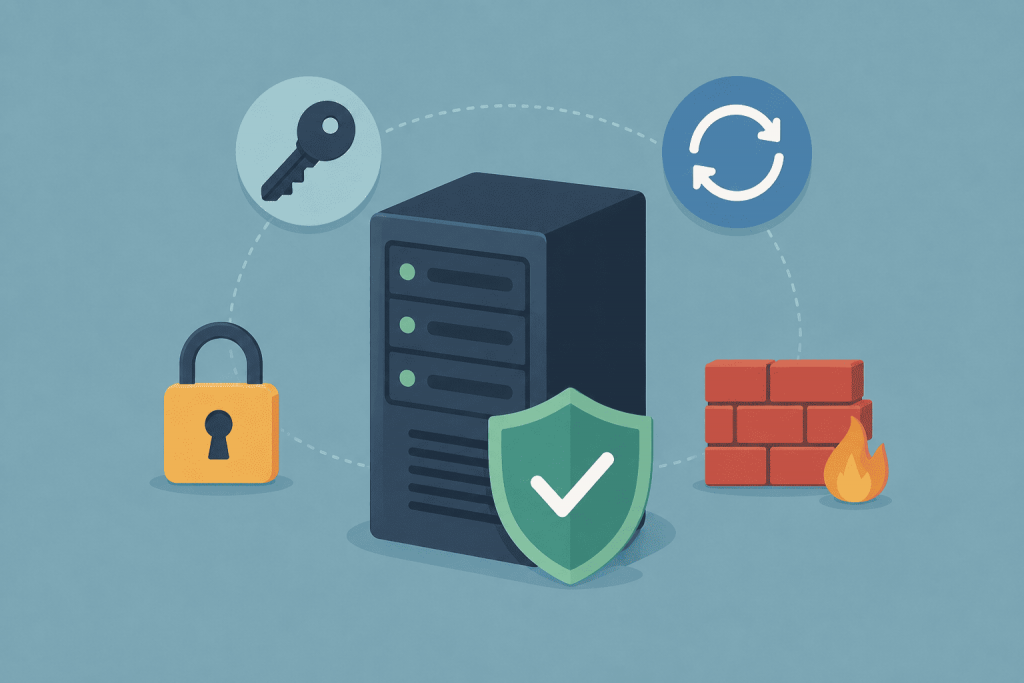
VPS server with basic security features: lock, access key, updates, firewall, and security shield.
Basic VPS protection consists of simple steps that should not be postponed

As soon as the server gets a public IP address, automated scanners start checking it. They look for open SSH or RDP access, exposed databases, common passwords, and outdated services. This is a routine mass search for poorly protected systems, not necessarily an attack aimed specifically at your website.

How the validity period of SSL certificates is changing and what it means for website owners

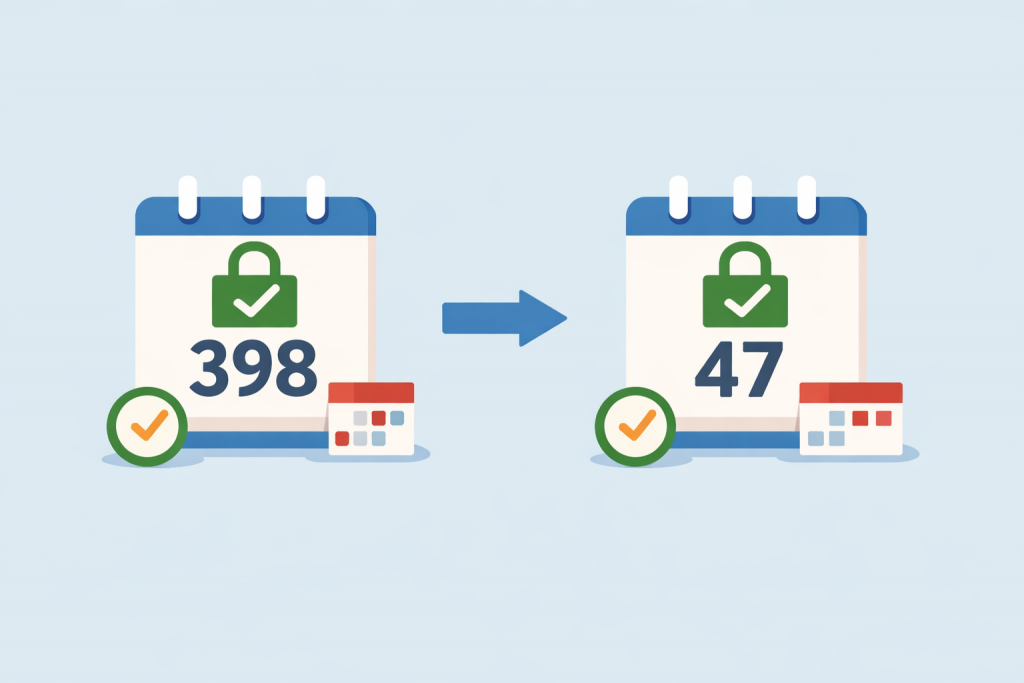
Changing the SSL certificate expiration date from 398 days to 47 days is shown through calendars with an arrow between them.
Certificate validity is getting shorter

Until recently, an SSL certificate was perceived as a routine service: you paid once a year, configured it, and remembered it the next season. However, the security industry is steadily moving toward a point where the notion of a “year-long” certificate will disappear. Website owners will have to get used to a much more dynamic rhythm.

Why SPF, DKIM, and DMARC Are More Important Than Complex Passwords

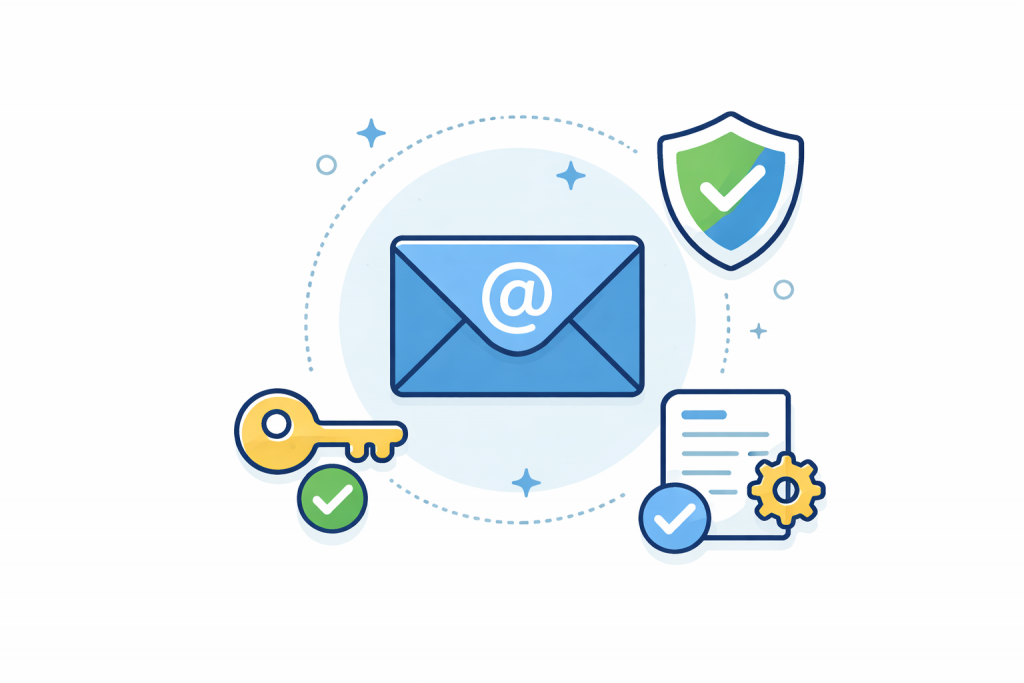
An electronic envelope with an @ symbol in the center, next to it is an access key, a shield with a checkmark, and a document with settings, symbolizing email protection and verification.
Trust in email is not built by passwords, but by technical verification and authentication mechanisms.

When it comes to email security, most users primarily think about complex passwords. Longer ones, with numbers, symbols, and regular changes. This makes sense, because a password protects access to a mailbox. However, in reality, the password is rarely the main cause of email-related problems. Even a perfect password will not prevent attackers from sending emails on behalf of your domain, spoofing the sender, or reducing trust in your entire email infrastructure. This is where SPF, DKIM, and DMARC come to the forefront — technologies without which modern email simply cannot be considered secure.

Why automatic backups are dangerous without control

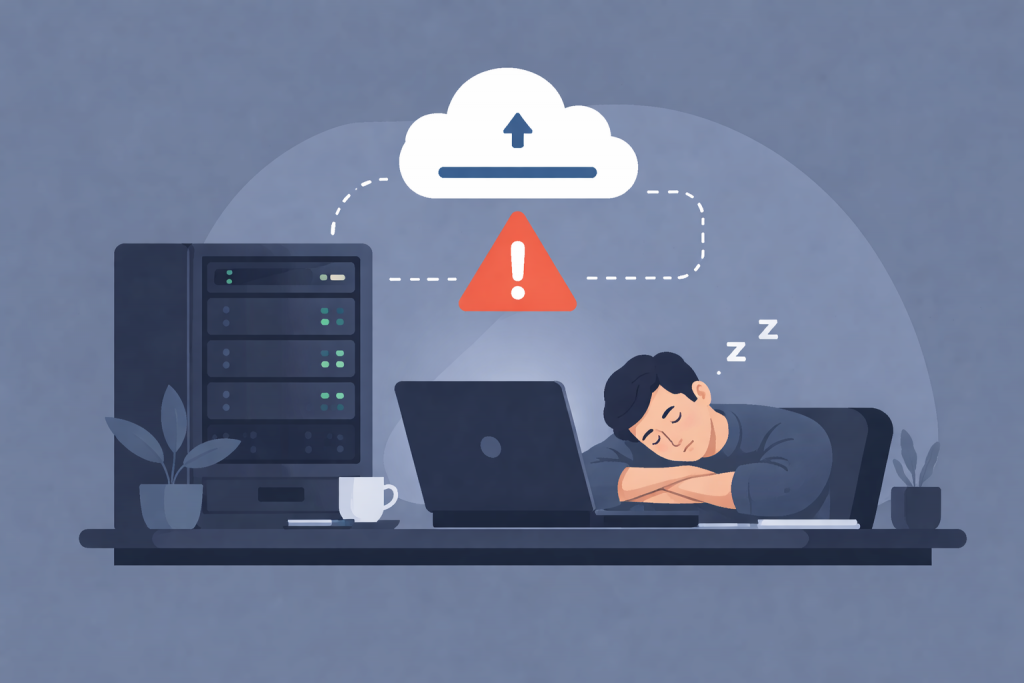
A man is sleeping at his laptop next to a server with a cloud backup shown above it with a warning sign.
Automatic backups without verification can create a false sense of security

Automatic backups have long become a standard practice for websites, servers, and online services. They create a sense of security: the system copies data on a schedule, the user does not spend time, and there is confidence that in case of problems everything can be quickly restored. The term “backup” itself means a reserve copy of data — a copy of files, databases, or settings that is stored separately from the main system. However, automation often creates the illusion of complete protection, while in practice, without control, such backups can become a source of serious risks.

Why It’s Important to Protect Not Only the Website but Also DNS Records

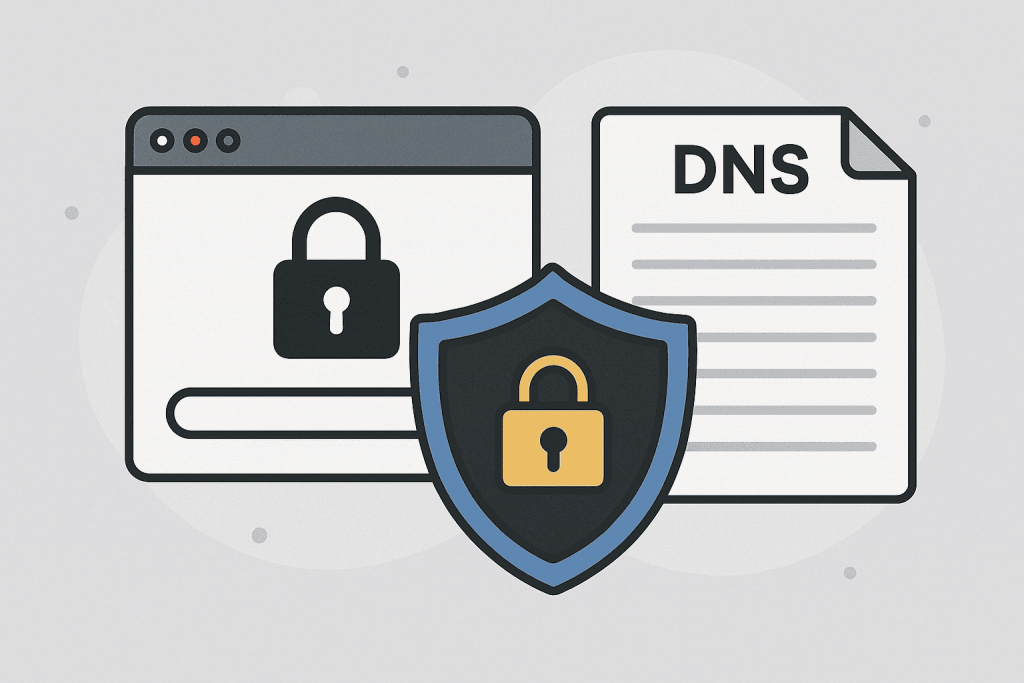
Illustration with symbols of locks, browser and DNS document, conveying the theme of DNS record and website security.
Protecting DNS records is just as important as securing the site itself.

Website security is traditionally associated with protection from hacks, viruses, or DDoS attacks, but in reality, there is another critically important element that even experienced website owners often overlook. This refers to DNS records — the fundamental mechanism that ensures users land on your legitimate website rather than a malicious copy created by attackers. DNS, or the Domain Name System, is the system that translates human-friendly domain names into technical IP addresses. Essentially, it is the “phone book” of the internet. If DNS works incorrectly or is modified by an unauthorized party, your website may become inaccessible, visitors may be redirected to phishing pages, and domain mail services can become completely blocked. This is why DNS protection is just as important as safeguarding servers or web applications.

Why a Standard SIM PIN Doesn’t Protect Your Number from Hacking

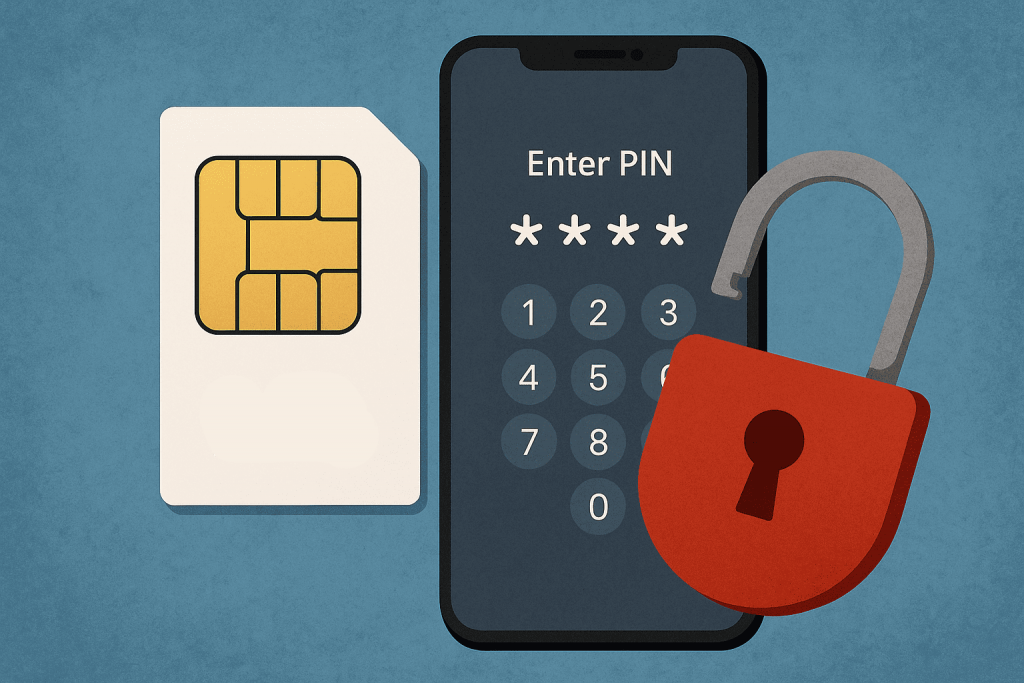
SIM card, smartphone with PIN code input and open red lock icon on blue background.
A PIN code does not guarantee the security of the number

Today, a smartphone is more than just a means of communication — it’s the key to your entire digital life: online banking, social networks, email, and two-factor authentication. Many users believe that setting a PIN on their SIM card is enough to stay safe from attackers. In reality, this code is a relic of the past, designed for completely different purposes, and it cannot withstand modern cyber threats. Let’s explore why a standard SIM PIN won’t save your number — and what you can actually do to protect it.

SSL Certificate. Which One to Choose and Why You Really Need It

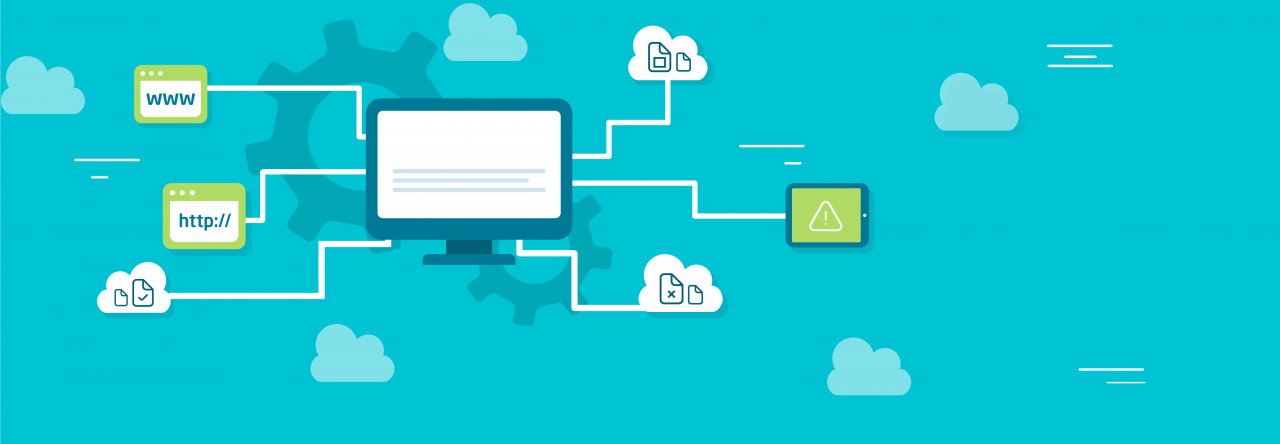
Browser window with HTTPS address bar and green lock with a large blue lock above it.
Why an SSL certificate is key to website trust and security

In an era when cyber threats are becoming increasingly sophisticated, protecting user data is not an additional option, but a mandatory requirement for any website. One of the key tools that ensures online security is an SSL certificate. It is responsible for data encryption, protects against interception of information and increases trust in the resource. But how to choose the right certificate? Let’s figure out how the different types differ, why HTTPS is important for every project and how to easily enable protection via RX-NAME.

How to check the security of your own server? What should not be ignored?

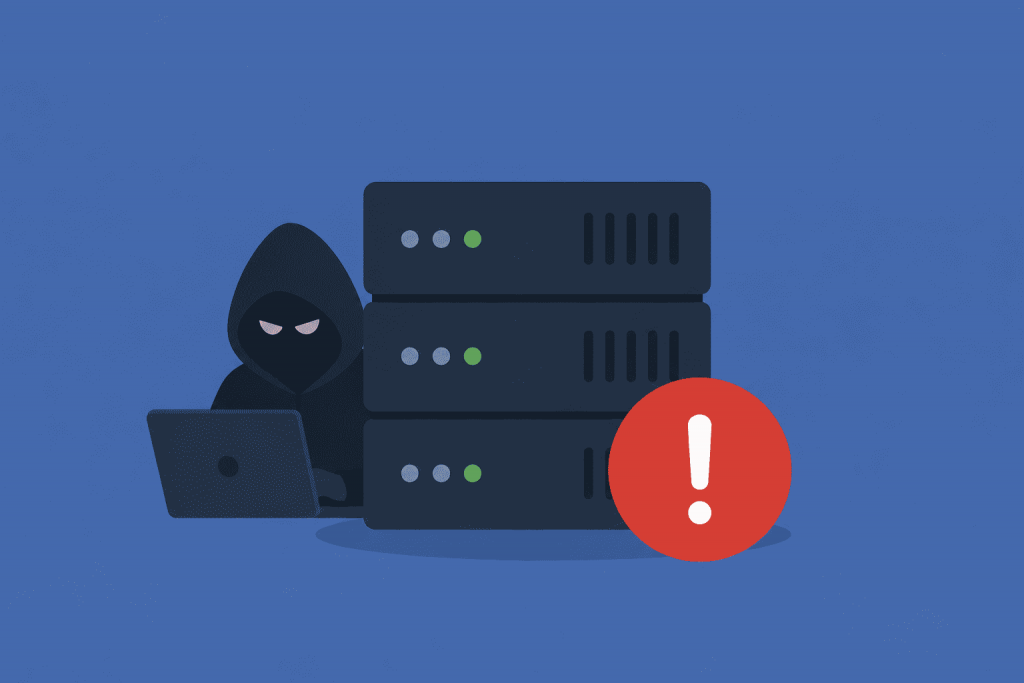
Stylized image of a server with cybersecurity elements - locks and shields, symbolizing data protection and secure infrastructure.
How to check the security of your server – the main aspects that cannot be ignored

In today’s world, where information is a key resource for understanding and perceiving everything around us, server security is becoming increasingly necessary.

Your own server can be a repository of valuable data, both personal and business, so protecting it from cyberattacks is an extremely important task today.

Phishing: How to Protect Your Data

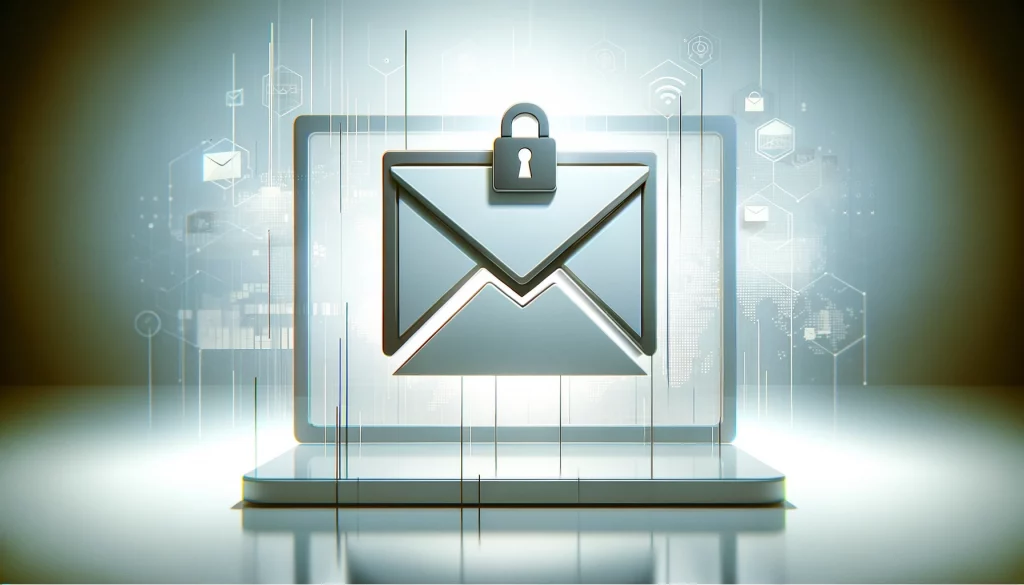
Letter in the form of an icon on a laptop screen with a lock, emphasizing email protection against phishing.
Protecting personal data from phishing attacks

Phishing is a form of social engineering. An attacker pretends to be a bank, shop, email provider, colleague, or another trusted contact and tries to make the user hand over a password, card details, a verification code, or other sensitive information.

What are the most secure messengers?

Smartphone with digital locks and messenger, cloud, shield and profile icons representing data protection.
The most secure messengers for communication

In our time, when we share personal information and increasingly communicate with our relatives and close people through online resources, the issue of security and protection of confidential information becomes more relevant. Especially as the number of communication means and platforms for communication increases every year, as does the number of potential cyber threats.

So how do we now choose a secure messenger to keep our own data and private messages secret and away from prying eyes? Let’s talk about this in our article today and consider the most secure messengers for you and your loved ones.

Page 1 of 3