Category: Security Page 4 of 8

How to Create a Strong Password with an Online Generator

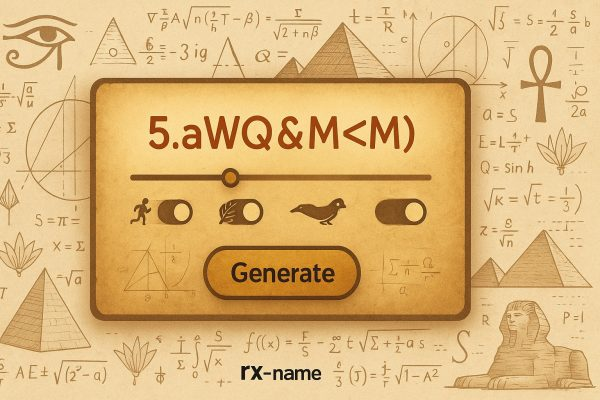
Screen with a random password generator field and a Generate button against a background of Egyptian symbols and mathematical formulas.
Using an online generator to create strong passwords

In today’s digital world, internet security has become critically important for everyone. Every day, we use dozens of online services – from email and social networks to online banking and even website hosting. All of these services require passwords, and a reliable password is the first line of defense that protects your accounts from attackers. Many users wonder how to create a strong password, as weak combinations can lead to data leaks and other unpleasant consequences.

How to Scan a Linux VPS Server for Viruses: Practical Tips

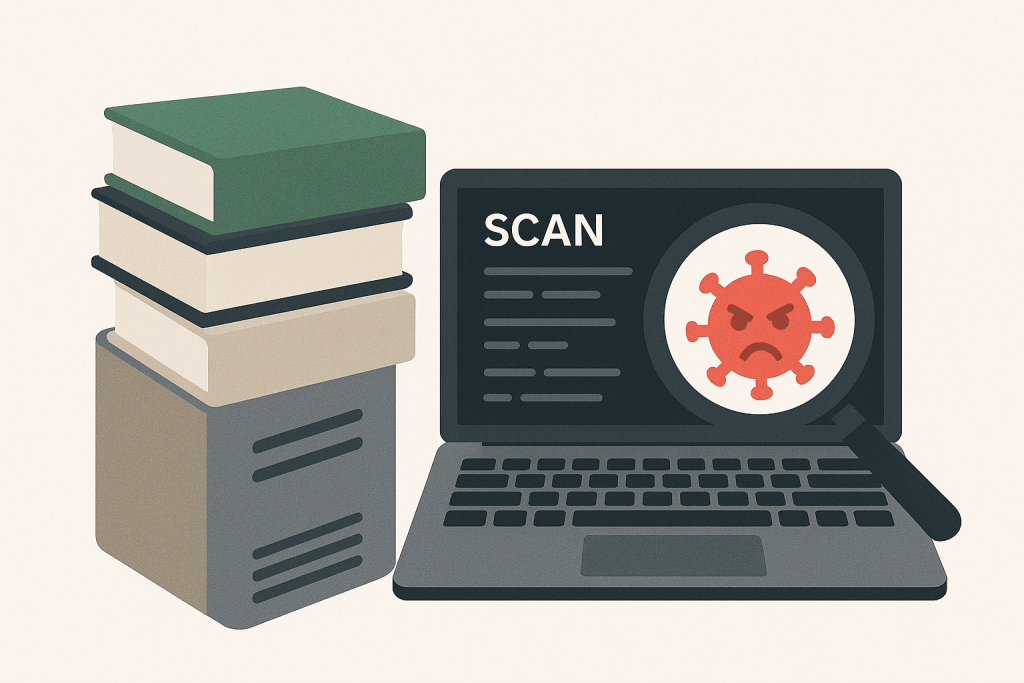
Laptop with the words SCAN and a picture of a virus under a magnifying glass, next to a stack of books.
Checking a Linux VPS server for viruses and malware

In today’s world, information security and the stable operation of a virtual private server (VPS) are essential and constant concerns for any business. While Linux is considered one of the most secure operating systems, it is not immune to viruses and malware.

In this article, we’ll walk you through how to scan your Linux VPS for viruses and provide practical recommendations for keeping your server secure.

User Verification on a Website: What to Choose — Call, SMS, or Email?

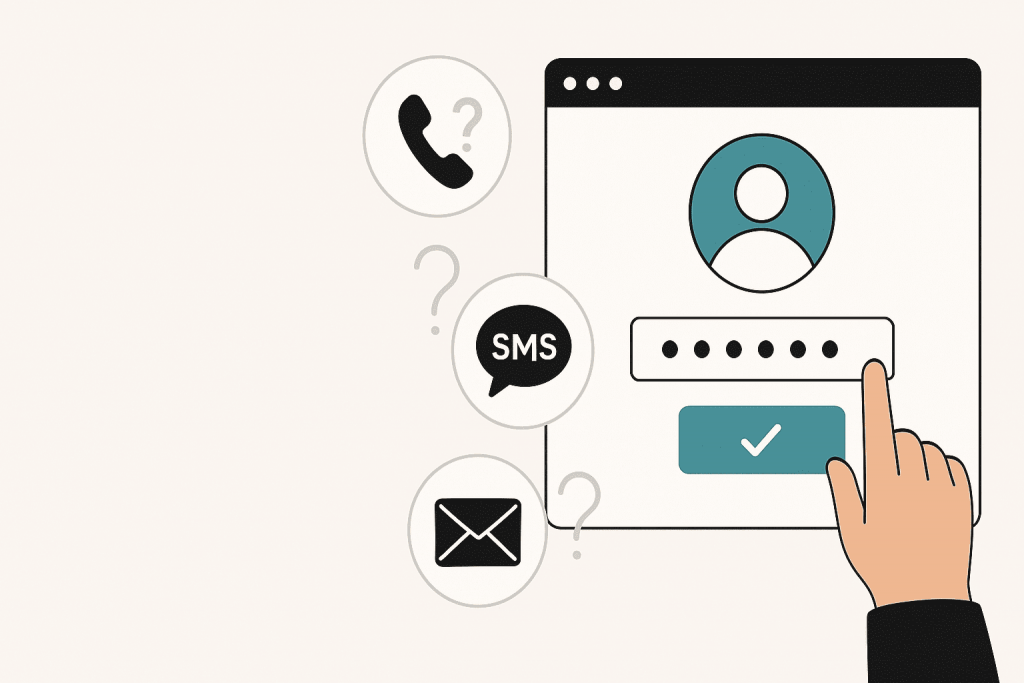
Hand pressing the password confirmation button in the login window, next to the phone, SMS and email icons with questions.
Comparison of user verification methods: call, SMS or email

In today’s digital world, user security and protection of personal data have become critically important. One of the fundamental steps in safeguarding users is verification — confirming that you’re dealing with a real person, not a bot or a fraudster. The way you implement this process directly impacts both the security and usability of your website.

In this article, we’ll explore the three most popular verification methods — phone calls, SMS, and email — discussing their advantages, drawbacks, and suitable use cases.

How HTTP Headers Help Protect Your Website?

A glowing lock in the center of a digital interface with various security icons and network elements on a dark background.
Using HTTP headers to enhance website security

In today’s digital world, web application security is critically important. One effective way to enhance protection is by using HTTP security headers, which help prevent various attacks by modifying browser behavior. Let’s explore the key security headers and their role in protecting your web applications.

AI Search: How Artificial Intelligence Helps Detect Cyber Threats

A shield depicting a brain made up of network nodes and connections, set against a backdrop of electronic circuits and digital elements.
Using artificial intelligence to detect and prevent cyber threats

Artificial Intelligence (AI) has become an integral part of the modern world of cybersecurity. As cybercriminals devise increasingly sophisticated attack schemes, AI evolves to swiftly detect threats, analyze data, and prevent potential dangers. But how exactly does AI protect our information? Let’s explore this together in today’s article.

How to check the security of your own server? What should not be ignored?

Stylized image of a server with cybersecurity elements - locks and shields, symbolizing data protection and secure infrastructure.
How to check the security of your server – the main aspects that cannot be ignored

In today’s world, where information is a key resource for understanding and perceiving everything around us, server security is becoming increasingly necessary.

Your own server can be a repository of valuable data, both personal and business, so protecting it from cyberattacks is an extremely important task today.

Phishing: How to Protect Your Data

Letter in the form of an icon on a laptop screen with a lock, emphasizing email protection against phishing.
Protecting personal data from phishing attacks

Phishing is a form of social engineering. An attacker pretends to be a bank, shop, email provider, colleague, or another trusted contact and tries to make the user hand over a password, card details, a verification code, or other sensitive information.

Phishing Recognition: How to Identify Fake Websites and Avoid Scammers

A laptop with open web pages on the screen against a futuristic city with digital elements, symbolizing the risks of phishing sites.
How to recognize phishing websites and protect yourself from scammers

In today’s world, the internet is a boundless space of opportunities, but at the same time, it’s a place where fraudsters and cybercriminals lurk. Phishing is one of their deceitful methods, where they impersonate a legitimate organization or individual to steal your personal information. Thus, detecting phishing websites becomes an increasingly important element of online security to preserve your confidential information and protect it from scammers. Let’s take a closer look at phishing today and discuss several useful tips on how to recognize it and avoid the dangers it poses.

WordPress Site Security: How Your Hosting Can Protect You From Hackers

A modern data center with servers and numerous cloud service icons, locks, and graphs emphasizing protection and control.
Hosting as the foundation of your website security

In today’s digital world, where cyber threats are becoming increasingly common, website security cannot be ignored and requires special attention. For example, WordPress, being one of the most popular content management systems, often becomes a target for hackers due to its popularity. However, by choosing the right hosting provider, you can significantly reduce the risk of malicious attacks. In this article, we will take a closer look at several ways in which hosting can protect your WordPress site and what to pay special attention to when choosing it.

What are the most secure messengers?

Smartphone with digital locks and messenger, cloud, shield and profile icons representing data protection.
The most secure messengers for communication

Private chats are not always as private as we assume. We send photos, contracts, passwords, work files and personal details through messengers almost without thinking about where this data goes or who could potentially access it. A secure messenger should do more than encrypt a message on its way to another person. It should also limit the amount of information it collects and make it difficult for someone else to take over the account.

Page 4 of 8