Tag: site security

How Different Browsers Verify SSL Certificates in Different Ways

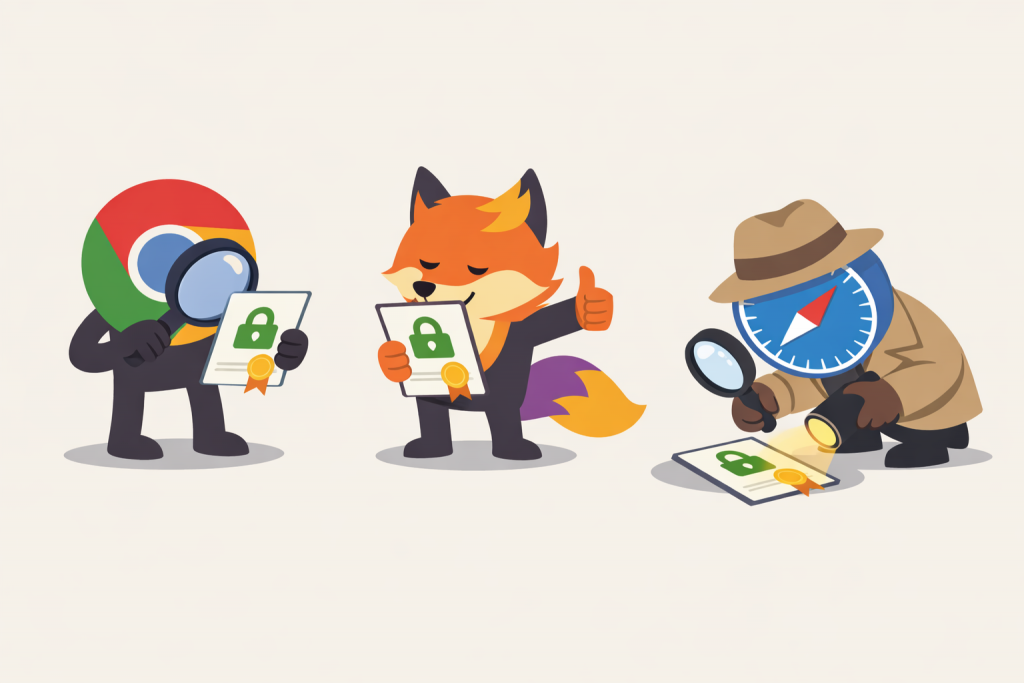
Three characters in the form of Chrome, Firefox, and Safari browsers are checking an SSL certificate: one examines it through a magnifying glass, the second evaluates it favorably, and the third inspects the document in detail with a flashlight.
Different browser approaches to assessing the security of an encrypted connection

When a user opens a website and sees a padlock icon in the browser, it is perceived as a simple and clear signal of security. However, behind this symbol lies a complex SSL certificate verification mechanism that is triggered every time a secure connection is established. It is important to understand that different browsers may implement this verification differently. While the basic security principles are shared, specific trust policies and responses to errors vary, and this often explains why the same website behaves differently in different browsers.

Why It’s Important to Protect Not Only the Website but Also DNS Records

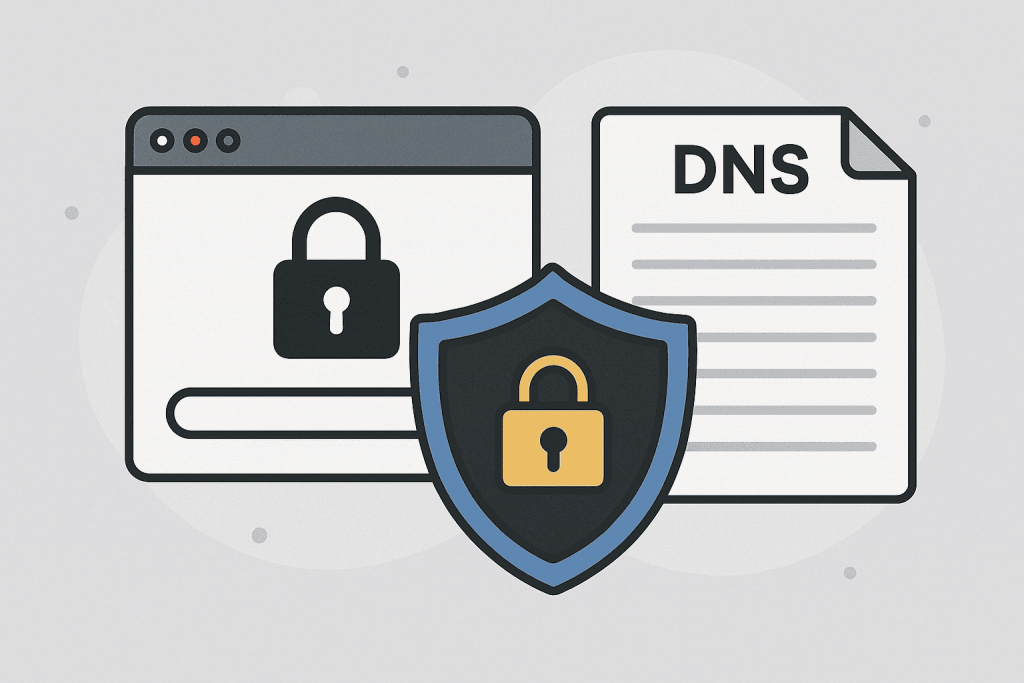
Illustration with symbols of locks, browser and DNS document, conveying the theme of DNS record and website security.
Protecting DNS records is just as important as securing the site itself.

Website security is traditionally associated with protection from hacks, viruses, or DDoS attacks, but in reality, there is another critically important element that even experienced website owners often overlook. This refers to DNS records — the fundamental mechanism that ensures users land on your legitimate website rather than a malicious copy created by attackers. DNS, or the Domain Name System, is the system that translates human-friendly domain names into technical IP addresses. Essentially, it is the “phone book” of the internet. If DNS works incorrectly or is modified by an unauthorized party, your website may become inaccessible, visitors may be redirected to phishing pages, and domain mail services can become completely blocked. This is why DNS protection is just as important as safeguarding servers or web applications.

How to Secure Online Payments on Your Website

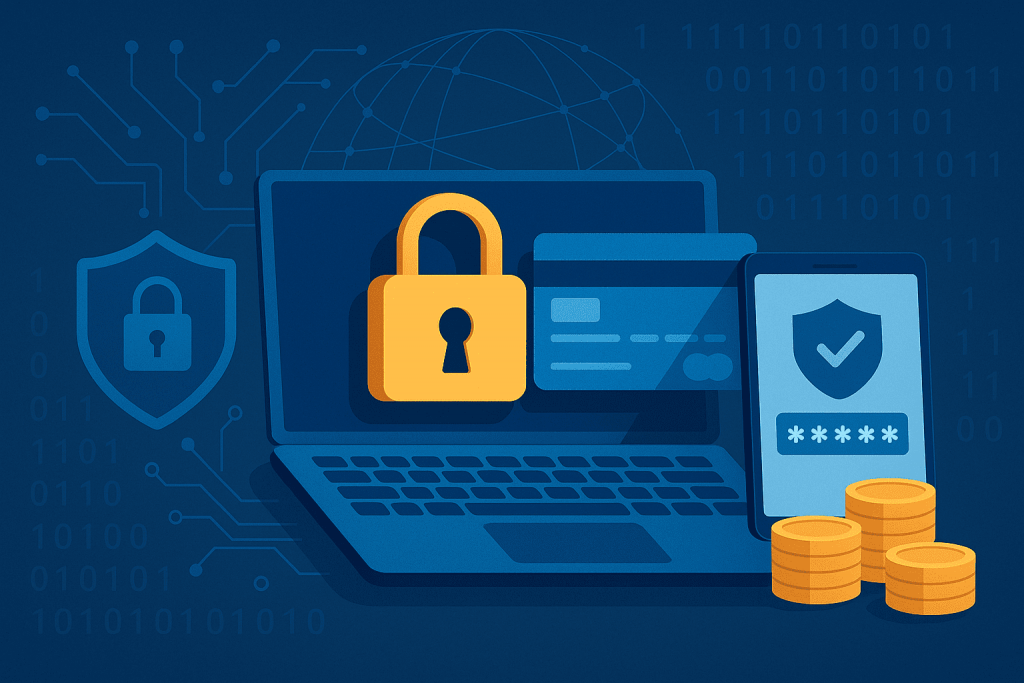
A laptop with a lock screen, bank cards, a protected smartphone, and coins symbolize secure online payments.
Secure your site to make online payments safe for your customers

According to Ukraine’s State Service of Special Communications, the number of cyberattacks on the financial sector increased by over 40% in 2024. The most common threats were phishing, payment data theft, and malware. In 2025, this trend continues, with attackers actively using artificial intelligence to create more convincing scams.

Online businesses that accept payments have become primary targets. If your website is not protected, you risk not only losing customers but also facing penalties for non-compliance with security standards.

RX-name ensures that clients can safely purchase services — from domain registration to hosting. Let’s look at practical steps to secure online payments on your website and build customer trust.