

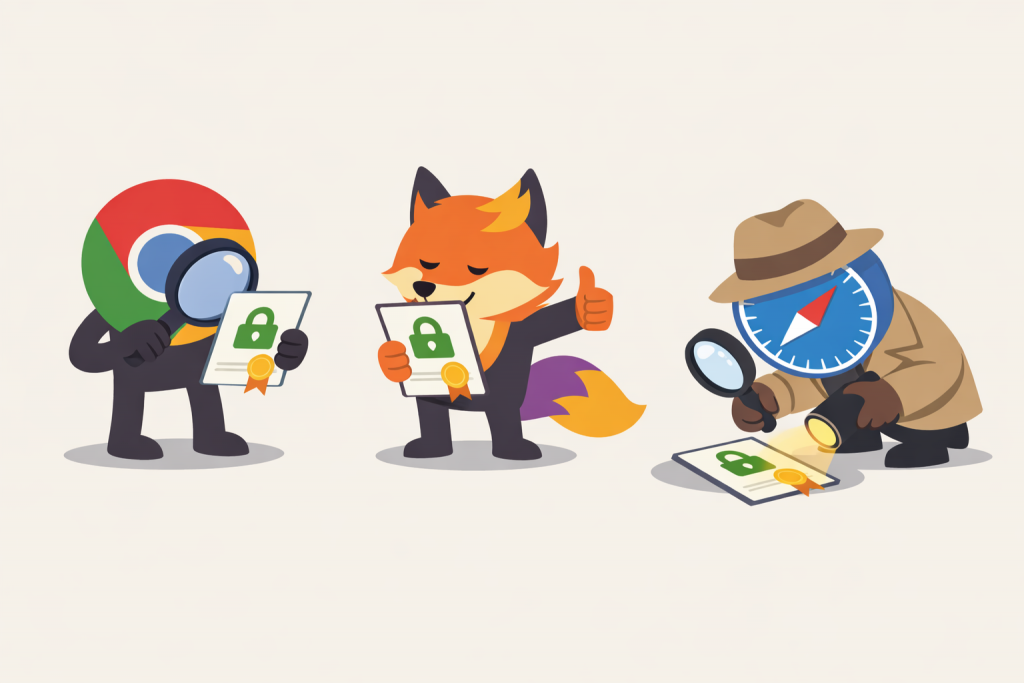
When a user opens a website and sees a padlock icon in the browser, it is perceived as a simple and clear signal of security. However, behind this symbol lies a complex SSL certificate verification mechanism that is triggered every time a secure connection is established. It is important to understand that different browsers may implement this verification differently. While the basic security principles are shared, specific trust policies and responses to errors vary, and this often explains why the same website behaves differently in different browsers.
What Exactly a Browser Checks During an SSL Connection
When opening a website, the browser analyzes the SSL certificate — a digital document that confirms the authenticity of the web resource and ensures encryption of transmitted data. It checks whether the certificate has expired, whether the domain in the certificate matches the website address, and whether the browser trusts the certificate authority that issued the certificate. A certificate authority is an organization that acts as a guarantor between the website and the user, confirming ownership of the domain.
How Chrome and Edge Handle Certificate Errors
Google Chrome and Microsoft Edge have almost identical SSL certificate verification logic, as both browsers are built on the same engine. If a certificate is expired, does not match the domain, or is signed by an untrusted certificate authority, the user sees a large warning about an unsafe connection. Even if the risk is minimal, the browser deliberately makes it harder to proceed to the website, requiring the user to confirm their decision. This is an example of a максимально strict approach to security.
How Firefox’s Approach Differs
Firefox uses its own independent store of trusted certificate authorities, which is not directly linked to the operating system. Because of this, situations sometimes arise where a website opens without issues in Chrome or Edge, but Firefox displays an SSL error. For example, if the server does not provide the full certificate chain, Firefox may consider the connection unsafe, while other browsers automatically correct this issue on the fly.
Safari’s Behavior and the Apple Ecosystem
Safari is deeply integrated into the Apple ecosystem and uses the system certificate store of macOS and iOS. This means that security policy updates are often tied to operating system updates. As a result, Safari may begin blocking certificates with weak encryption algorithms or outdated parameters earlier than other browsers. A website that still works in Chrome or Firefox may already trigger a serious warning in Safari or fail to open entirely.
How Opera Verifies SSL Certificates
Opera is also built on the same engine as Chrome, so the basic logic of SSL certificate verification in these browsers is similar. However, Opera adds its own interface elements and additional features that influence how users perceive security. For example, messages about certificate problems in Opera may appear less aggressive than in Chrome, even though the technical cause of the error remains the same. Because of this, users may sometimes perceive the situation as less critical, even though from a cryptographic standpoint the level of risk does not change.
Different Browser Reactions to Outdated Algorithms
When certain encryption algorithms are deemed insecure, browsers gradually discontinue support for them. The timelines for such deprecation may differ. As a result, a certificate that is still formally valid may completely block access in one browser while only displaying a warning in another. For users, this looks like unstable website behavior, even though the real reason lies in differing browser security policies.
How Browsers Explain Problems to Users in Different Ways
Even the wording of SSL error messages differs significantly. Chrome and Edge usually use strict language with a strong emphasis on danger. Firefox often provides more technical details and allows users to view certificate information. Safari limits itself to brief messages without in-depth explanations, while Opera tries to present the information in a more neutral manner. As a result, the same issue can appear very different depending on the browser.
Why Website Owners Need to Consider These Differences
Different browser behavior means that correct website operation in one environment does not guarantee the absence of problems in another. A misconfigured SSL certificate, a missing intermediate certificate, or outdated parameters can go unnoticed for a long time. That is why testing a website in different browsers is an important step in maintaining user trust, ensuring stable resource operation, and preserving a general sense of security in the modern internet.
Leave a Reply