

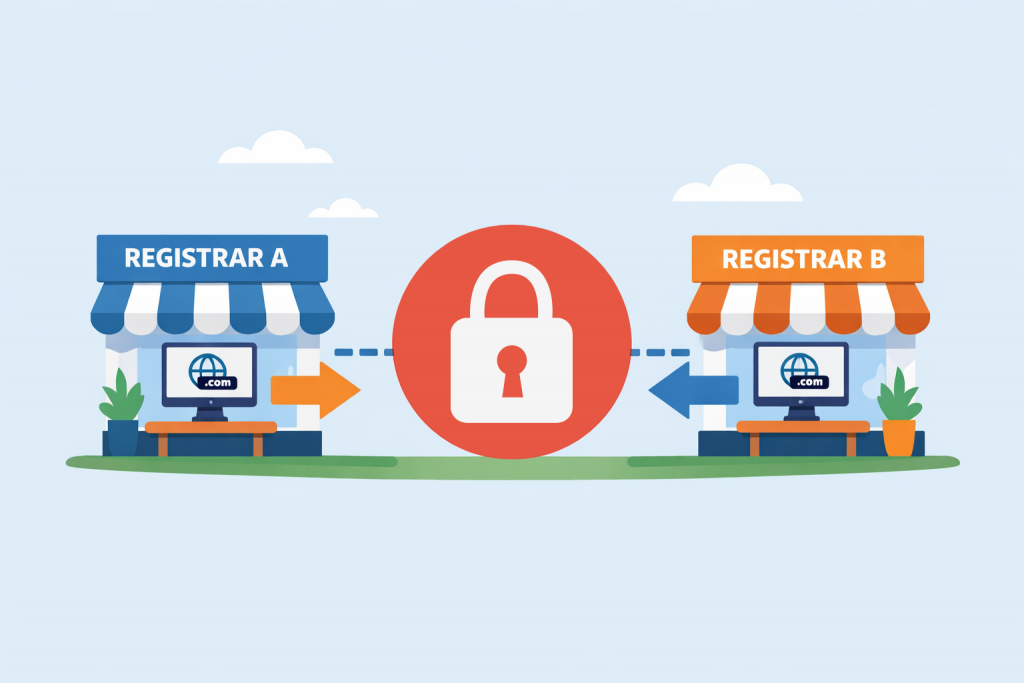
Practice shows that an attempt to change the registrar during the first week after purchasing a name is one of the most common reasons for contacting support. The owner sees a paid invoice, an active status in the control panel and logically assumes the domain is their property, something they can manage however they wish. Yet a technical refusal to transfer at this stage is not the whim of a particular company but a strict rule defined at the protocol level.
How the domain hierarchy works
A domain does not exist on its own inside a registrar’s database. It is a record in the distributed DNS system coordinated at the level of zone registries (for example, Verisign for .com). When you register a name, the data is passed upward, and the domain becomes attached to an accredited registrar. From that moment it becomes part of the global network, but with certain obligations regarding the stability of records.
The essence of transfer and why specialists use it
A transfer is purely an administrative procedure that changes the servicing company. It becomes relevant when there is a need to collect a scattered portfolio of domains into a single account for easier management or to obtain better renewal conditions. It is important not to confuse this with a change of ownership (transfer of ownership). During a regular transfer, the legal entity or contact details remain unchanged.
The 60-day rule: an international standard
The key stopper is the policy of ICANN (InterNIC), which establishes a 60-day moratorium on transfers for most gTLDs (.com, .net, .org and others). During two months after the initial registration the domain is locked for external transfers at the registry level.
The logic behind this restriction is simple.
- Fraud protection. The first days after registration are the most sensitive period. If an account gets compromised, attackers will try to immediately “move” the asset to another registrar where recovering it would be much more difficult.
- A technological pause. DNS data needs time to propagate across the world. The transfer ban prevents conflicts where several systems attempt to change the status of the same object simultaneously, which could result in a website becoming unavailable.
Are there exceptions
While 60 days is the base rule for international zones, national domains (ccTLDs) may follow different regulations. Some European or Ukrainian zones have more flexible timeframes or different verification mechanisms. Still, for the popular commercial segment this limitation is absolute. It cannot be bypassed legally – no “friendly” registrar will be able to push a request through the registry earlier than the allowed term.
Working with a domain during the lock period
It is important to understand that the inability to transfer does not limit the operation of the resource itself. You can:
- Specify any NS servers.
- Manage A records, mail configuration and subdomains.
- Connect hosting platforms or website builders.
The domain continues to function fully. The only restricted action is changing its legal “registration address” to another provider.
When the transfer window opens
As soon as the 60-day period passes, the lock is lifted automatically. After that the procedure is standard: checking the domain status (whether ClientTransferProhibited is set), obtaining the Auth-Code (EPP) and confirming the request. If you plan to move the domain, it is better to initiate the process a few weeks before the payment period ends so you are not dependent on the processing speed of requests on the registry side.
Leave a Reply