

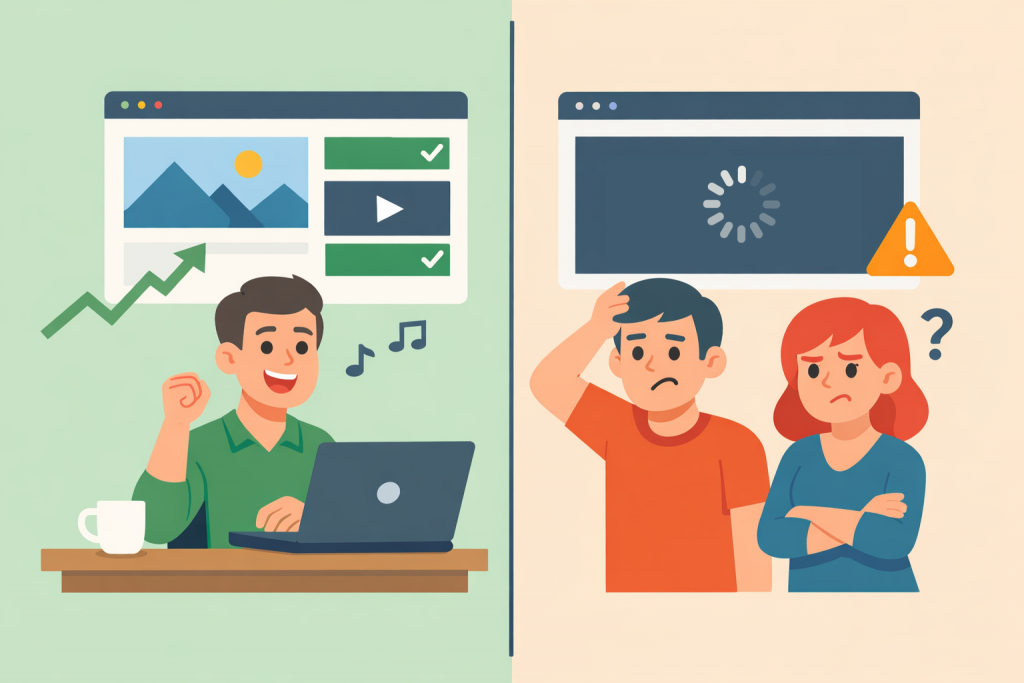
Many website owners are confident that everything is fine with their resource: pages open, buttons work, and the contact form functions properly. The site displays correctly on the work computer, loads quickly in a familiar browser, and raises no suspicions. However, the paradox is that at the same time this very website may be almost inaccessible or inconvenient for real clients. Visitors come in but leave quickly, without submitting requests, reading content, or making purchases. The reason lies in the difference between the conditions in which the owner sees the site and those in which users access it.
Different Access Conditions to the Same Website
A website owner usually visits it from the same device, from the same country, and through a stable internet connection. Often this is a home or office network with high speed and minimal latency. Under such conditions, the site can work perfectly. Clients, however, access the site from different regions, mobile networks, public Wi-Fi, using various browsers and devices. What opens in a second for the owner may load much longer for a client or may not open at all due to restrictions at the network or server level.
The Server as an Invisible Source of Problems
A server is the computer on which a website is physically hosted and which is responsible for its availability on the internet. If the server is located far from part of the audience or has limited resources, the site may work unstably. The owner may not notice this because their requests are processed quickly, while clients from other countries face long delays. Additional factors include server overloads, incorrect caching settings, or limits on the number of simultaneous connections. As a result, the site seems to exist but does not perform its main function — being convenient for visitors.
The Impact of Browsers and Devices on Website Perception
Another common reason is differences in how browsers work. A site may look flawless in one browser but have issues in another due to differences in code handling. The same applies to mobile devices. If the design is not adapted for small screens, buttons may be inconvenient, text may be too small, and some functions may be unavailable. An owner who mainly uses a computer may not notice this, but most clients access the site from smartphones.
The Psychological Difference Between Owner and Client
The website owner always knows what to look for and where. They understand the menu logic, page structure, and the meaning of the texts, because they participated in their creation. A client visits the site for the first time and does not have this context. If information is presented in a complicated way, overloaded with terminology, or does not provide quick answers to basic questions, the user simply closes the page. The site formally works, but in practice it does not communicate with its audience.
Cache and Local Settings as a Source of the Illusion of Stability
Browsers store part of a website’s data locally to speed up repeated visits. An owner who frequently visits their resource sees it as fast and stable precisely because of caching. New clients load the site “from scratch,” getting the full picture of the server’s real performance and network speed. That is why the difference in impressions can be so striking.
Why It Is Important to Look at a Website Through the Client’s Eyes
A website exists not for the owner, but for visitors. Its main task is to be accessible, clear, and fast under any conditions. Regularly checking how it works on different devices, in different countries, and in various browsers, as well as choosing and configuring servers correctly, helps avoid situations where a site “works” but does not deliver results. Only when technical stability is combined with simplicity and convenience does a website truly start working for business, rather than merely creating the illusion of an online presence.
Leave a Reply