

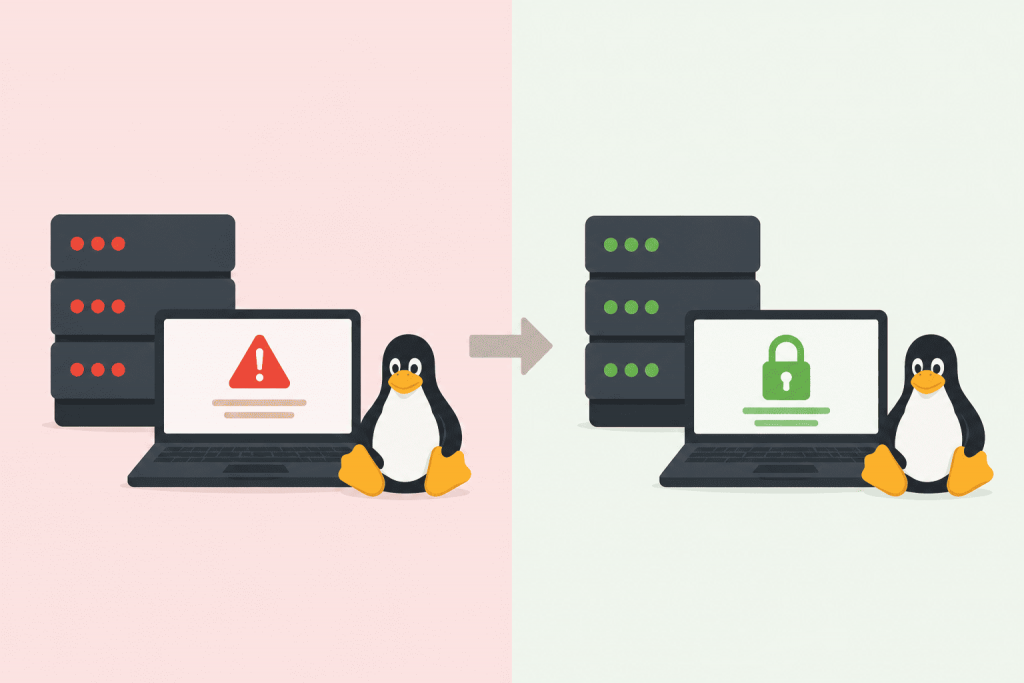
At the end of April 2026, the Linux community started talking about a flaw in the algif_aead kernel module. The issue is local, but critical: an attacker with minimal privileges inside the system can escalate to root. In practice, this means losing control over the server. After obtaining root access, a third-party user can extract databases, configuration files, SSH keys, or completely rebuild the system for their own purposes. The situation became much more dangerous because ready-made instructions and exploitation tools appeared in public access almost at the same time as the vulnerability itself became known. Script kiddies and automated scanners usually start using things like this within the first days.
Why kernel vulnerabilities are more dangerous than CMS bugs
A compromised WordPress installation or a vulnerable plugin is usually limited to an isolated website or web server directory. With the kernel, the story is different. Since it manages memory, processes, and networking at the lowest level, a data copy flaw inside algif_aead compromises the entire host.
The risk is highest for systems where seemingly isolated processes are running or where multiple people work inside the same environment. This includes:
- Docker nodes where escaping a container means access to neighboring projects
- CI/CD servers that build third-party code
- Terminal servers with shell access
- Shared hosting platforms and corporate VPN gateways
A malicious process can quietly operate in the background without causing kernel panic events or noticeable load spikes, so visually the server may appear completely healthy.
Affected distributions and the reboot trap
Almost all popular systems commonly used for infrastructure ended up at risk: Ubuntu, Debian, AlmaLinux, Rocky Linux, CentOS Stream, openSUSE, and Fedora. Security patches from maintainers were released quickly, but the problem does not disappear automatically.
In many projects, VPS instances run for months without a reboot. An administrator may have installed package updates, but if the server was never restarted, the old vulnerable kernel remains loaded in memory. The system reports newly installed binaries, while in reality it continues running on an exposed kernel.
Ways to localize the threat
The most reliable approach is to solve the issue properly by updating packages and scheduling a restart.
Option 1. Update and reboot
For Debian- or Ubuntu-based systems:
apt update
apt upgrade -y
reboot
For Red Hat-like distributions (AlmaLinux, Rocky, CentOS):
dnf update -y
reboot
Option 2. Hot-unload the module
If uptime is critical and a reboot is impossible right now, you can try manually unloading the algif_aead module from memory. This works only if the module’s cryptographic functions are not currently used by active services:
modprobe -r algif_aeadTo prevent the module from loading again after an accidental restart, add it to the blacklist configuration:
echo "blacklist algif_aead" >> /etc/modprobe.d/blacklist.confThis is only a temporary workaround that reduces risk, but it does not remove the need for a proper patch.
Checking the currently running version
To verify which kernel is actually running at this moment, use:
uname -rIt should be executed both before the update and обязательно after the reboot to make sure the version index has changed. If the command still shows the old version afterward, either the reboot never happened or the Grub bootloader selected the wrong entry.
Safe update practices for production VPS environments
Any kernel-related operations on live servers carry risk. Before running commands, check several basic things:
- Availability of a fresh backup or snapshot inside the hosting panel
- Free space in the /boot partition (if it is filled with old kernels, the new one may fail to install completely)
- Alternative console access (VNC or IPMI) in case networking or SSH fails after reboot
For Ubuntu and Debian, during scheduled maintenance it is better to use the full upgrade cycle to pull all required kernel dependencies:
apt update
apt upgrade -y
apt full-upgrade -y
reboot
What usually breaks after reboot
When the server comes back online, checking ping alone is not enough. You should log in through SSH and make sure all services started correctly, especially the ones that are rarely restarted manually. Very often, hidden mistakes inside Nginx, Apache, or database configurations only appear after a reboot.
Quick checklist for service status verification:
systemctl status nginx
systemctl status mysql
systemctl status docker
If some services failed to start automatically, inspect logs through journalctl -xe.
The scale of the issue
Copy Fail became notable not because of a unique architectural mistake, but because the vulnerable code had existed inside the ecosystem for a long time. There are reasons to believe this bug had been present in the kernel since 2017. During all that time, servers were considered protected because external ports were closed and firewalls were configured.
This case once again shows that VPS uptime measured in years without reboots is more of a security risk than a reason for pride. Perimeter security loses meaning if internal kernel mechanisms allow control to be hijacked from inside the system.
Leave a Reply