

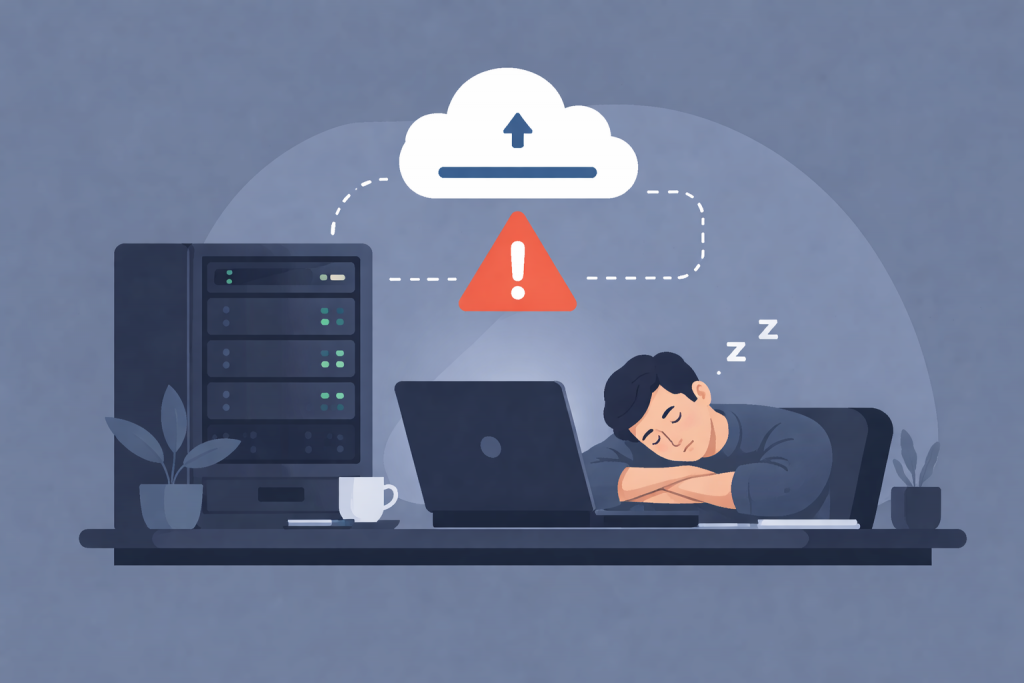
Automatic backups have long become a standard practice for websites, servers, and online services. They create a sense of security: the system copies data on a schedule, the user does not spend time, and there is confidence that in case of problems everything can be quickly restored. The term “backup” itself means a reserve copy of data — a copy of files, databases, or settings that is stored separately from the main system. However, automation often creates the illusion of complete protection, while in practice, without control, such backups can become a source of serious risks.
What happens when no one checks the backups
The most common problem with automatic backups is the lack of verification of their actual usability. The system may regularly create backup files, but this does not mean they are suitable for recovery. For example, a backup may be saved with errors, be incomplete, or contain corrupted data. Without test recovery, these problems remain unnoticed until an emergency occurs, when it turns out that restoring the website or server to a working state is impossible.
The risk of preserving already corrupted data
An automatic backup works on a simple principle: it copies the current state of the system. If at that moment the data is already corrupted, infected with a virus, or encrypted by malicious software, the backup will record exactly this problematic state. Malicious software is software designed to steal, destroy, or block data. If the infection occurred earlier and there is no control, backups begin to accumulate copies with errors, and a clean version may simply no longer exist.
Automation does not notice logical errors
A backup system does not analyze whether the data is correct from the perspective of business logic. Business logic is the set of rules by which a website or service operates: how orders are placed, users are stored, and payments are processed. If, due to an error in the code or an incorrect update, the database starts storing incorrect values, the automatic backup will still record them. Without manual control, such errors can be copied into backups for weeks or months.
Problems with backup storage locations
Another danger is storing backups in the same environment where the main system operates. If the server fails, is accidentally deleted, or becomes a victim of an attack, the backups disappear along with it. Even if the copies are stored separately, without control it is easy to miss that the storage has run out of space and new backups are no longer being created. Storage is the place where data is physically or logically kept, such as another server or a cloud service.
The human factor and false confidence
Automatic backups often reduce the attentiveness of website and server owners. A false confidence arises that “everything is already set up and working.” Because of this, error messages are ignored, system logs are not checked, and it is not analyzed whether the backup is actually running on schedule. A system log is a file in which events, errors, and warnings are recorded. It is often there that the first signals of problems with backups appear.
Why control is more important than the mere fact of having a backup
Having an automatic backup is only half the job. Without control, it turns into a formality that does not guarantee data protection. Control means regular verification of backup creation, test restoration, analysis of the size and contents of backups, as well as understanding what exactly is being copied and where. This makes it possible to detect problems in advance, rather than at the moment when the system is already unavailable.
Automatic backups as a tool, not a panacea
Automatic backups in themselves are not dangerous. The danger arises when they are perceived as a universal solution that does not require human involvement. In modern online projects, backup should be part of an overall data protection strategy, where automation is combined with regular control and an understanding of processes. Only in this case do backups fulfill their main role — truly protecting information rather than creating an illusion of security.
Leave a Reply