

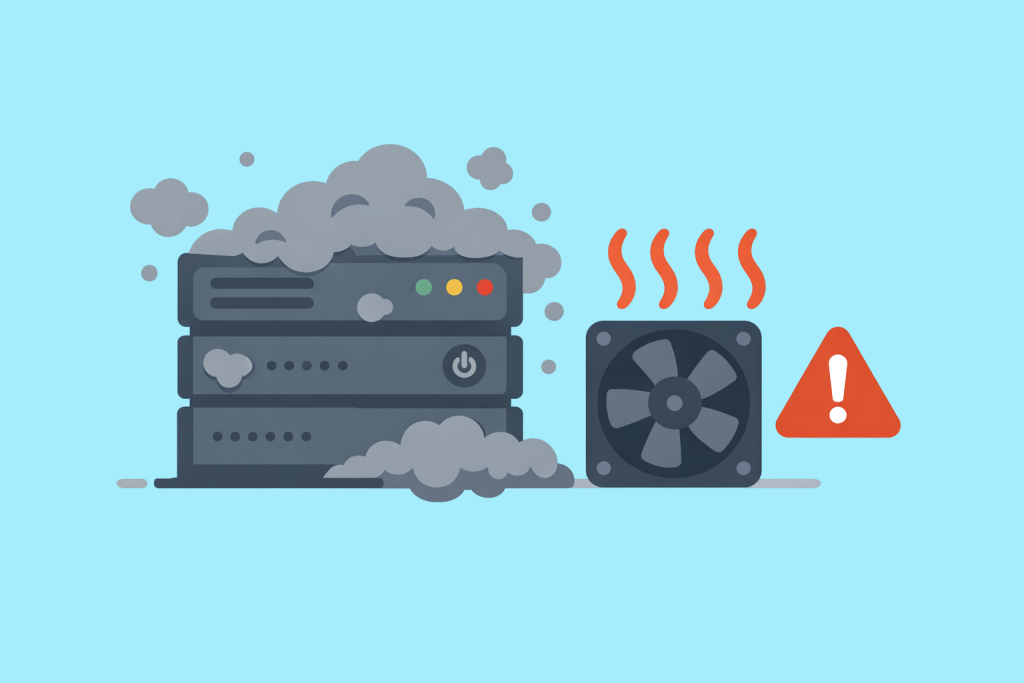
When it comes to server stability, people usually mention uptime, DDoS protection, or code quality. However, in practice, hardware often fails because of quite down-to-earth things. Dust is not just a cosmetic defect of a room, but a real enemy of reliability that acts slowly, but systematically. Even complex equipment with multi-layer protection remains vulnerable to ordinary airborne suspension.
The path of dust to the heart of the system
Server cooling is a continuous process of pushing huge volumes of air. Fans work like powerful vacuum cleaners, pulling micro-particles inside the case together with the airflow. Completely sterile environments do not exist, so the accumulation of residue inside is only a matter of time.
At first, fine particles settle on the fan blades and radiator fins. Over time, this coating turns into a dense layer that acts as a thermal insulator. Where metal should be giving off heat to the air, a “coat” appears that interferes with normal heat exchange.
The mechanics of overheating and hidden slowdown
The problem is not only that the radiator cools worse. When dust accumulates on bearings and fan blades, their weight and resistance increase. This forces the system to raise the RPM to keep the temperature within normal limits.
If the air channels are clogged, the hardware begins to heat up beyond the critical threshold. At this moment, a protective response is triggered – throttling. The processor artificially lowers its frequency to avoid burning out. For the owner of the resource, this looks like an unexplained “slowdown” of the website or database, even though everything is configured perfectly on the software side. In essence, you are paying for performance that the server cannot deliver due to simple contamination.
Risks for stability and hardware lifespan
Constant operation at the limit of temperature capabilities does not pass without consequences. Even if the server does not shut down immediately, its components degrade faster. Capacitors dry out, microcracks in soldering appear more often. What was supposed to work for years may “wear out” in just a few months of operation under improper conditions.
Sudden reboots or freezes under load are often the result of exactly such thermal stresses. For business, these are direct risks: from short-term downtime to complete data loss due to storage device failure.
Electrical surprises and the physical environment
Dust is not always just a dry mixture. It is capable of absorbing moisture from the air, turning into a weak conductor. This creates conditions for microscopic short circuits on circuit boards. Such faults are the hardest to diagnose: the server behaves unstably, produces memory or network errors that cannot be reproduced consistently. Administrators often look for the problem in software, while it lies on the surface of the PCB.
Why location matters
In professional data centers, cleanliness is a standard, just like uninterrupted power supply. Industrial filtration systems are used to trap the smallest particles right at the entrance to the sealed zone. A stable humidity level is maintained so that dust does not become electrically conductive and does not accumulate static electricity.
The difference between a server in a regular office and equipment in a data center becomes obvious after just six months of operation. In the first case, there will be a thick layer of dirt inside, in the second – clean hardware, ready for peak loads.
Impact on virtual solutions
It may seem that renting a virtual server (VPS) frees you from thinking about the physical condition of the hardware. But this is an illusion. Your virtual machine shares resources with others on very real hardware. If the provider’s physical server is clogged with dust and begins to drop frequencies due to overheating, all clients on that node will feel it. The reliability of your project in the cloud still depends on how often an engineer in the data center checks the condition of filters and radiators.
Leave a Reply