

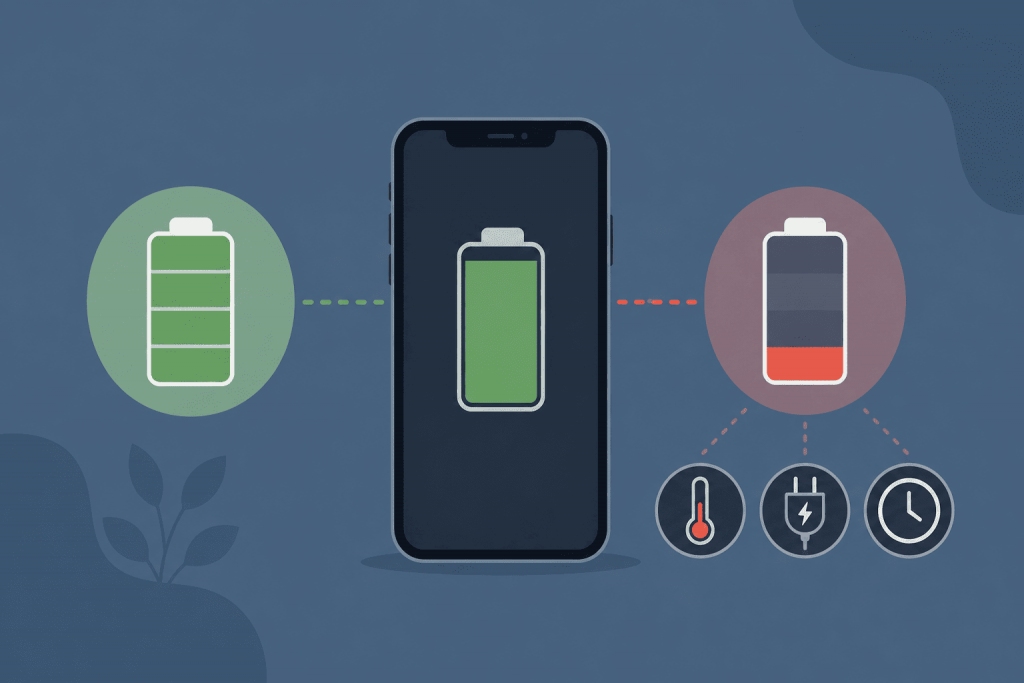
The iPhone battery health section includes a figure called “Maximum Capacity.” At first, it shows 100%, then the number gradually goes down. The name may make it seem that 90% maximum capacity means the phone can no longer be charged fully. But it does not.
The iPhone will still charge to 100%. It is just that, once fully charged, the battery holds less energy than it did when it was new. Maximum capacity shows this difference.
What Maximum Capacity Shows
A new battery is treated as the initial 100%. If the settings show 90% after a year, the battery can store roughly 90% of the energy it used to hold.
The regular charge indicator still works as before. It shows how much of the energy currently available in the phone remains. So, 100% charge with 90% maximum capacity means the battery is full, but its actual capacity is already lower.
In practice, this becomes noticeable in battery life. A new iPhone might last until evening with charge left, while a few years later it needs to be charged earlier. The phone is not necessarily faulty. The battery simply no longer stores as much energy as before.
Is This Figure Available Only on iPhone?
Maximum capacity is not unique to Apple batteries. Lithium-ion batteries wear out in all smartphones. The difference is in how the manufacturer shows their condition to the user.
Apple added this figure to the standard iPhone settings years ago. There, you can immediately see the percentage, information about peak performance and a warning if the battery should be checked by a service provider. This is why maximum capacity is discussed mainly by iPhone owners.
Similar information is available on some Android smartphones. Newer Google Pixel models can show the battery’s remaining capacity and general condition. Samsung has built-in battery diagnostics, although an exact percentage is not shown on every model. Other manufacturers are gradually adding similar tools, but the names and level of detail differ.
So an Android battery ages in the same way. The phone simply does not always show it as one clear number.
Why the Percentage Gradually Falls
Chemical processes are constantly taking place inside the battery. When the phone charges, energy is stored, and while it is being used, that energy is released again. Over time, the battery does this less efficiently. This is normal ageing that cannot be completely stopped with settings or a special charger.
Charge cycles also matter. One cycle is reached after a total of 100% of the charge has been used, but not necessarily in one day. For example, you use 70% today, charge the phone, then use another 30% tomorrow. Together, that is one cycle, even though the iPhone was connected to a charger several times.
For the iPhone 14 and older models, Apple gives a reference point of around 80% of the original capacity after 500 full cycles under normal conditions. Batteries in the iPhone 15 and newer models are designed for around 1,000 cycles before reaching the same level. This is not a guarantee of a specific figure. One phone may lose capacity faster, another more slowly.
High temperatures are especially hard on the battery. An iPhone heats up during games, navigation, video recording or charging. Moderate warmth is normal, but regular severe overheating speeds up wear. Especially when the phone is charging in direct sunlight, lying in a hot car or handling demanding tasks at the same time.
Why Capacity Stays at 100% for a Long Time and Then Suddenly Drops
The number in the settings is an estimate, not the result of an instant measurement. The iPhone collects data about the battery, its voltage, charging and behaviour under load. Based on this, the system periodically updates the calculation.
That is why maximum capacity may stay at 100% for several months and then change to 99%. Sometimes, after an iOS update, the figure drops by several percentage points at once. This does not mean the battery suddenly became worse overnight. Most often, the system has simply corrected its earlier estimate.
There is also little point in comparing two identical iPhones by this number alone. One owner plays games often, uses navigation and almost fully discharges the phone every day. Another charges it once every day and a half and rarely deals with overheating. Even at the same age, the batteries will be in different condition.
Does the Battery Need Replacing at 80%?
There is no single percentage after which an iPhone must be taken in for service. At 90%, it usually works normally, although the time between charges may already be shorter.
Even 80% does not mean the battery is about to stop working. It is more of a point where wear becomes easier to notice. The phone discharges faster, and under heavy load the battery has more difficulty supplying the required power.
Replacement makes sense when the battery no longer lasts through a normal day, the iPhone shuts down unexpectedly or the settings show a service message. If the phone works steadily and causes no inconvenience, there is no need to focus only on the number.
How to Reduce Battery Wear
There is no need to constantly keep the charge between 20% and 80% or unplug the phone at every extra percentage point. This kind of control often creates more trouble than benefit.
It is much more important not to overheat the iPhone or leave it fully discharged for a long time. If it becomes very hot, it is better to remove a thick case, stop the game or postpone charging until the device cools down.
Optimized Battery Charging is also better left enabled. The iPhone learns the usual routine and tries to reduce the time the battery stays at a full 100%. On the iPhone 15 and newer models, you can also set a charging limit if you do not need the full amount of energy every day.
Still, even with careful use, maximum capacity will gradually decrease. This is a normal process, not a sign of incorrect charging.
When the battery already needs replacing or you are planning to switch to another smartphone, it is important to copy your photos, videos and documents beforehand. Keeping the only copy of your files in the phone’s storage is risky, regardless of the battery’s condition. For large archives, you can use a Storage VPS and configure backup storage on it. The files will then remain available separately from the smartphone, even if the device has to be repaired, reset to factory settings or replaced.
Leave a Reply