

When the website opens, emails come through, and the files everyone needs are right where they should be, people rarely think about the technical side of things. It just works. Quite often, that is the best result a system administrator can get.

When the website opens, emails come through, and the files everyone needs are right where they should be, people rarely think about the technical side of things. It just works. Quite often, that is the best result a system administrator can get.
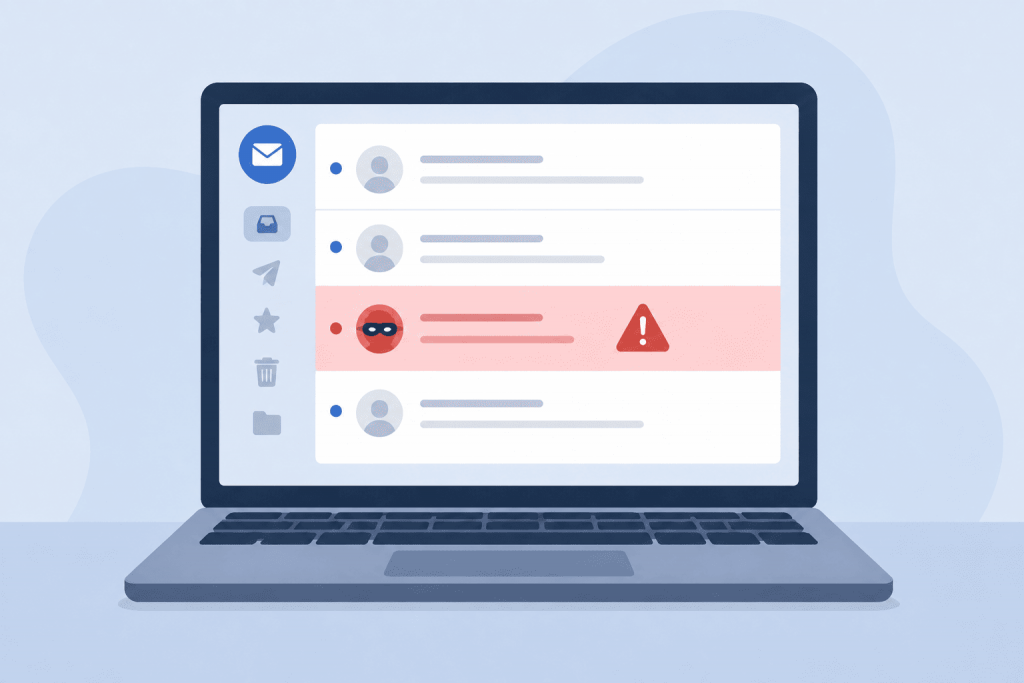
You receive an email from a bank, mobile operator, service provider, or business partner. It says that a payment is overdue, your password is about to expire, or your account will soon be suspended. There is usually a button and a request to act right away. Everything may look familiar, including the logo and layout. Even so, it is worth stopping for a moment and checking who really sent the message.
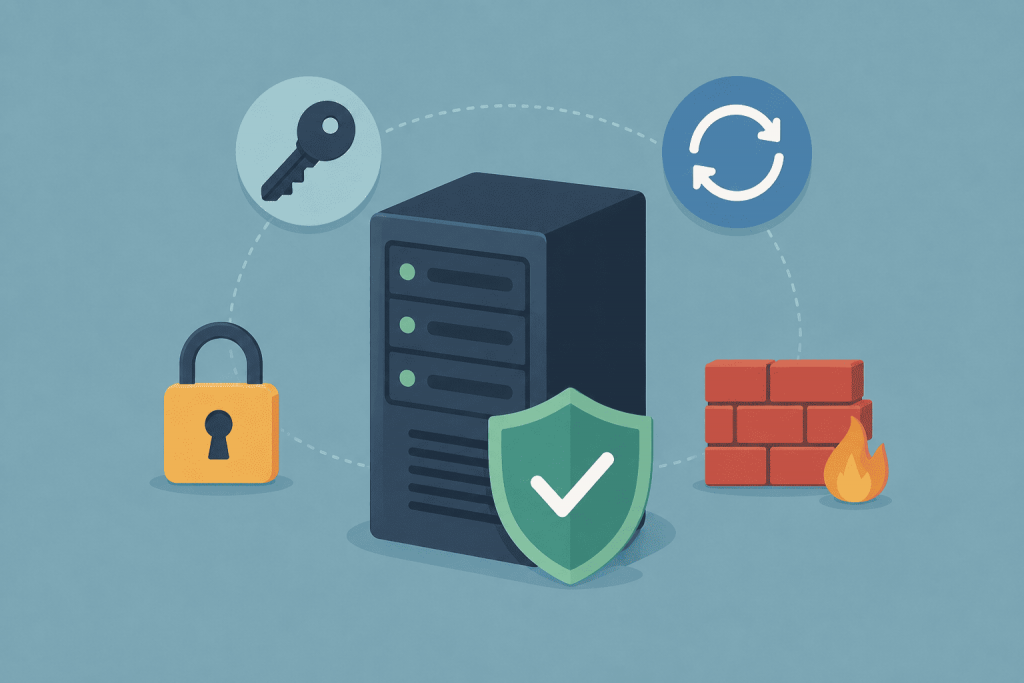
As soon as the server gets a public IP address, automated scanners start checking it. They look for open SSH or RDP access, exposed databases, common passwords, and outdated services. This is a routine mass search for poorly protected systems, not necessarily an attack aimed specifically at your website.

Sometimes, emails sent from a company’s professional address suddenly stop reaching recipients. Just yesterday, everything was working flawlessly, but today, messages quietly land in the “Spam” folder or vanish entirely along the way. Worst of all, critical documents get lost because of this: invoices, order confirmations, or support replies.

After setting up hosting, most users open Plesk for a few familiar tasks: adding a domain, creating a mailbox, uploading files, or opening a database. Their introduction to the panel often ends there. Meanwhile, it includes tools that can replace a separate website builder and simplify WordPress management, SSL certificate installation, project migration, and code deployment.

When a website is almost ready, choosing a domain is often left until the last moment. It seems that the main thing is to find an available name. But then the question appears: should you take .COM, .COM.UA or .UA?

The keyboard feels so familiar that it is easy to see it as a permanent part of the computer. We use it to enter passwords, write emails, work with websites, manage a server through the terminal, place an order in an online store. It is accurate, fast, and understandable. But that does not mean the keyboard will always be the main way to enter text.