

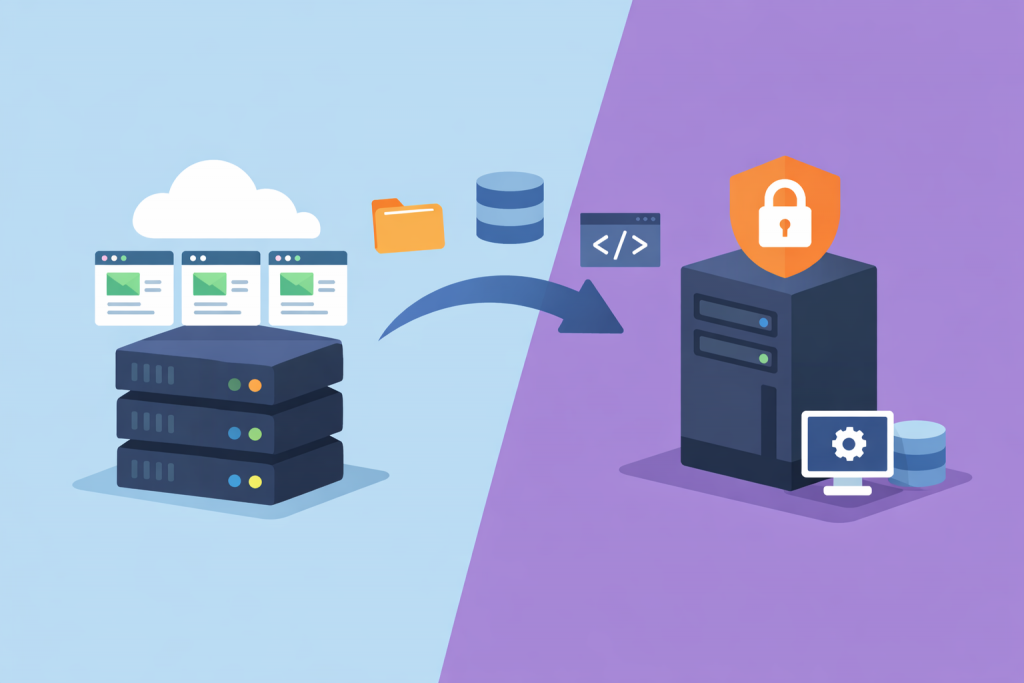
People usually start thinking about moving to a VPS when the site is already pushing against its limits. For example, an online store steadily handles a few hundred concurrent visitors, and during peak hours the admin panel takes 10–15 seconds to load. On shared hosting this is often blamed on “neighbors.” And at some point it becomes clear: this can’t go on.
A VPS looks like a logical step. A separate environment, dedicated resources, system-level access. But in practice it’s not just “faster and bigger.” It’s a different level of responsibility. And if you treat it like the same hosting, just more powerful, problems are almost guaranteed.
The difference between shared hosting and a VPS as a source of risk
On regular hosting, most technical aspects happen without your involvement. System updates, basic security settings, backups — the provider handles all of that. You work through a control panel, upload files, create mailboxes.
With a VPS, everything changes. You get a server with administrator-level access. That means you decide which PHP version to install, how to configure the web server, whether port 22 is open to the entire world or restricted to a specific IP address. For some, that’s freedom. For others, it’s a first experience with the command line and several sleepless nights.
The risk here is simple: underestimating the difference. When a VPS is purchased “because the site is slow,” but no one plans who and how it will be maintained.
Risk of downtime during migration
Downtime is when a customer opens the site and sees an error instead of a page. For a commercial project, that means direct losses.
Most often, issues appear when DNS records are changed. DNS is the system that points a domain to a specific server. If records are updated before everything is fully configured on the new VPS, part of the traffic will already go to the new machine, while another part remains on the old one. As a result, orders can end up “split” between two databases.
Sometimes it’s simpler. One configuration file wasn’t copied. A specific module enabled on the old server wasn’t taken into account. Everything worked on the test domain, but on production a 500 error shows up. These small details tend to surface at the worst possible moment.
Data loss or corruption
During migration, not only site files are transferred. The main value lies in the database. That’s where users, orders, and activity history are stored.
If you export the database without putting the site into maintenance mode, some new records may simply not make it into the backup. For example, during the 20 minutes it takes to move a database dump, customers continue placing orders. After launch on the VPS, part of the transactions is missing. And you have to sort it out manually.
The same applies to email if it was tied to the old server. Incorrectly transferred settings — and messages start getting lost or ending up in spam.
Software environment incompatibility
On shared hosting, everything is usually standardized. A specific operating system version, a defined set of modules, a typical stack: web server, database, programming language interpreter.
On a VPS, this needs to be recreated manually. If the site previously ran on PHP 7.4, and the new server has PHP 8.2 by default, older code may start throwing errors. The same goes for MySQL or MariaDB versions. From the outside, it looks like “something broke after the move,” while the cause lies in configuration details.
Sometimes the issue isn’t the version itself, but small differences in settings. A different memory limit for scripts, a different connection timeout. The site technically runs, but behaves unpredictably.
Security issues after the move
On shared hosting, basic protection is already in place. On a VPS, an exposed server without additional restrictions can receive dozens of password-guessing attempts within hours.
A firewall is a mechanism that controls network connections to the server. If it’s not configured, all open ports become visible from the outside. Add a default password or unrestricted SSH access — and the risk of compromise becomes real, not theoretical.
Many encounter this only after launch, when suspicious entries start appearing in logs or the server is suddenly loaded with unknown processes.
Incorrect resource planning
Another common story is choosing a configuration “by eye.” It seems that if the site worked on shared hosting, a minimal VPS will be enough. But in practice, the server now runs everything separately: web server, database, cache, sometimes task processing queues.
If there isn’t enough RAM, the system starts actively using swap, and performance drops. If the CPU is weak, pages load slower under load than before.
There’s also the opposite extreme — choosing a configuration with a large margin “just in case” and paying for resources for months that are barely used.
Human factor
The hardest part of migration isn’t the technology, but the decisions people make. Rushing, trying to do everything in one evening, skipping a test environment. It’s enough to set incorrect file permissions, and part of the functionality stops working. Or forget about automatic security updates, and the server gradually accumulates vulnerabilities.
Migration to a VPS is not a problem in itself. But it’s the moment when a project moves to a different level of responsibility. And if this is approached formally, the risks make themselves known quickly.
Leave a Reply