Tag: Domain checking

What RDAP Is and How It Differs from Whois

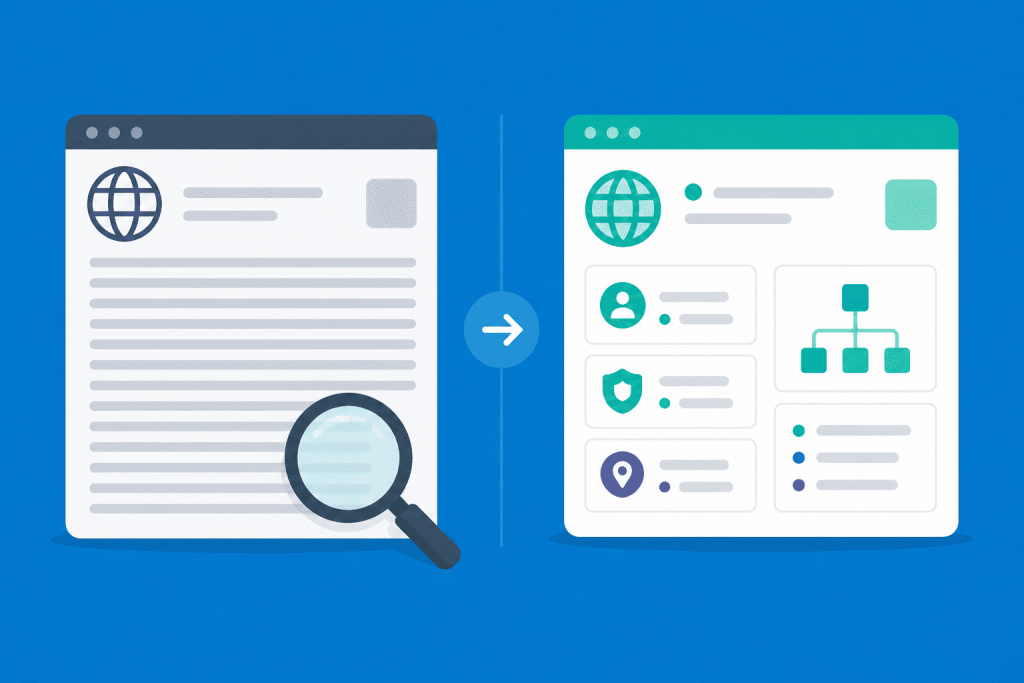
Whois vs. RDAP comparison: unstructured domain data with search is transformed into a clear structured format.
Domain data may look different

There are situations when a simple check of whether a domain is “available or not” is not enough. For example, a website suddenly goes down after a DNS change, a domain refuses to transfer to another registrar, the delegation period is coming to an end, or you urgently need to find out who actually services this name. Usually, in such cases, people open Whois, expecting to see the basics: the creation date, registrar, DNS servers and current statuses, but Whois often disappoints. The data is displayed chaotically, the format depends on the specific domain zone, and some information is hidden altogether. As a result, the output turns into a solid block of technical text, where a user without experience may struggle to quickly find the needed line. And for automation services, this lack of standards has long become a headache.
How an Error in Contact Details Can Block a Domain

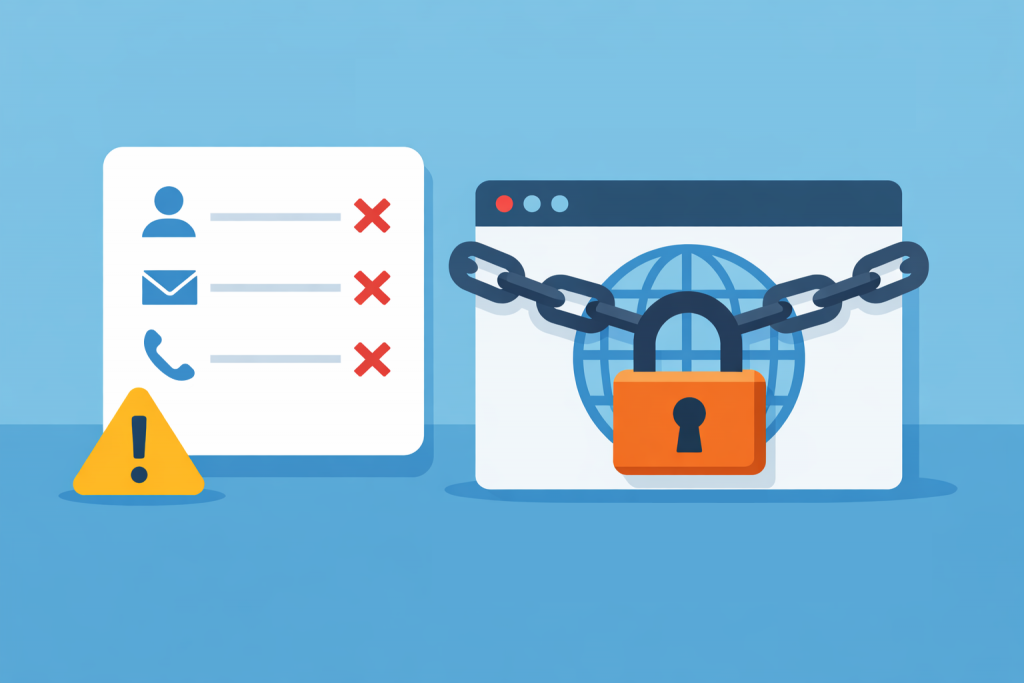
When a domain is registered, the form with contact details usually gets very little attention. The name is checked, the payment goes through – the main thing is that the domain starts working. Fields with the name, phone number or email are often filled in quickly. Sometimes the data is even copied from old accounts or internal documents. The problem shows up later.

Which domain zones require additional verification during registration

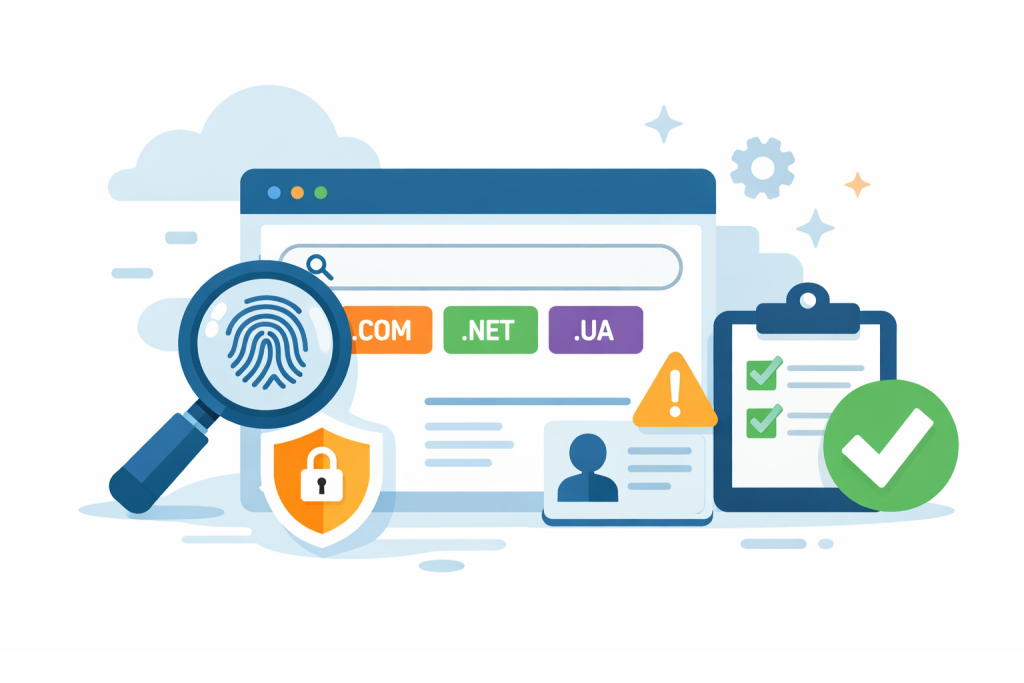
Illustration with a browser, .com, .net and .ua domain zones, verification, security and warning icons symbolizing additional verification during domain registration.
Some domain zones have increased verification requirements

In practice, choosing a domain often runs into the technical regulations of registries, which users usually discover only after payment. Automatic activation within five minutes is the standard for mass-market zones such as .COM or .NET, but there are many extensions where manual moderation or document verification is an integral part of the process. Registries introduce these barriers not to create difficulties, but to filter out cybersquatters, fake organizations, and protect the reputation of the zone itself.

How to Check Whether a Chosen Domain Could Become a Future Threat to Your Brand Due to Potential Blocking

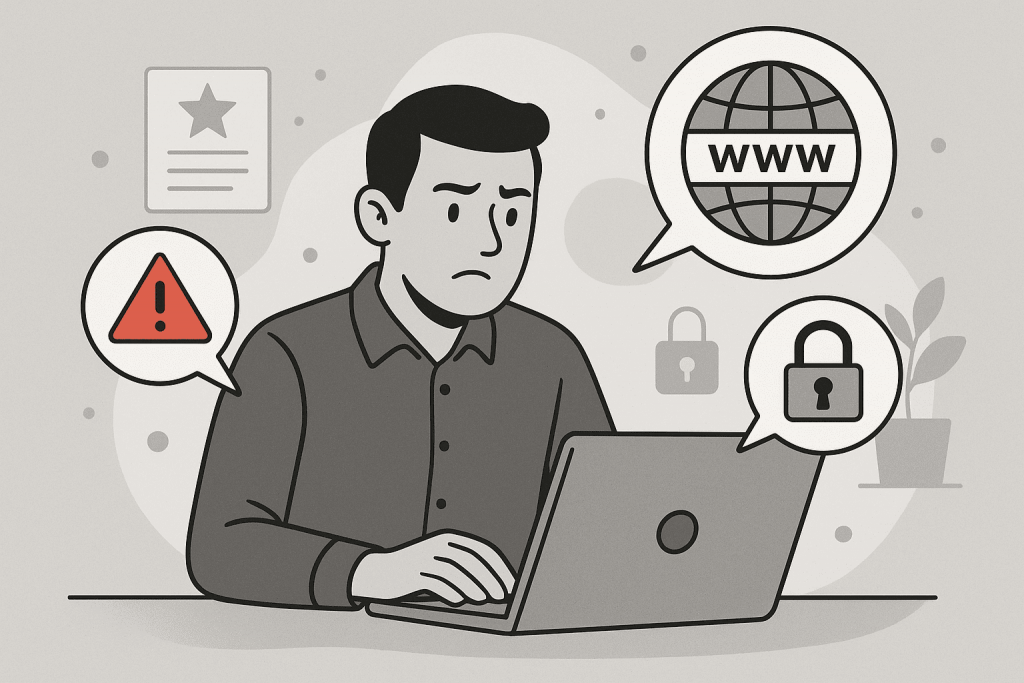
A man at a laptop is worried about a warning about the risks associated with choosing a domain name.
Checking the domain for possible blocking and reputation risks before registration

Choosing a domain name may seem like a simple step: you come up with a name, check availability, register it — and start building your brand. But in reality, a domain is the foundation of your online presence, and its quality affects not only recognition but also security. A poorly chosen domain name can lead to your website being blocked by providers, government regulators, or global corporations, which threatens your reputation and traffic. To avoid these risks, it’s important to understand why certain domains get restricted and how to assess their safety in advance.

How to Check the “Bad History” of a Domain

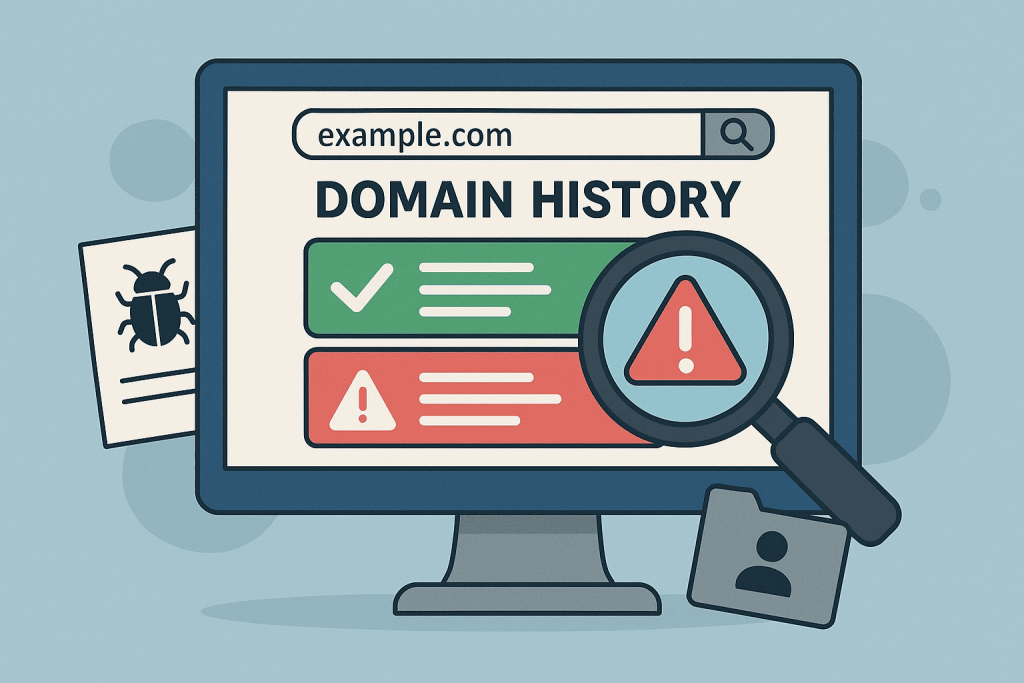
Domain history check screen, showing previous warnings and threats to the domain.
How to check domain history and avoid potential risks

Buying a domain is one of the first and most important tasks when creating a new website or online business. However, not every domain has a clean reputation. A domain that seems safe and advantageous to use may have a dark history, including spam, phishing, or other malicious practices. This can affect your site’s ranking in search engines, reduce trust in your brand, and even lead to blocks or sanctions by browsers or email services. Therefore, before making a final decision on purchasing a domain, it is crucial to conduct a thorough check of its past.