

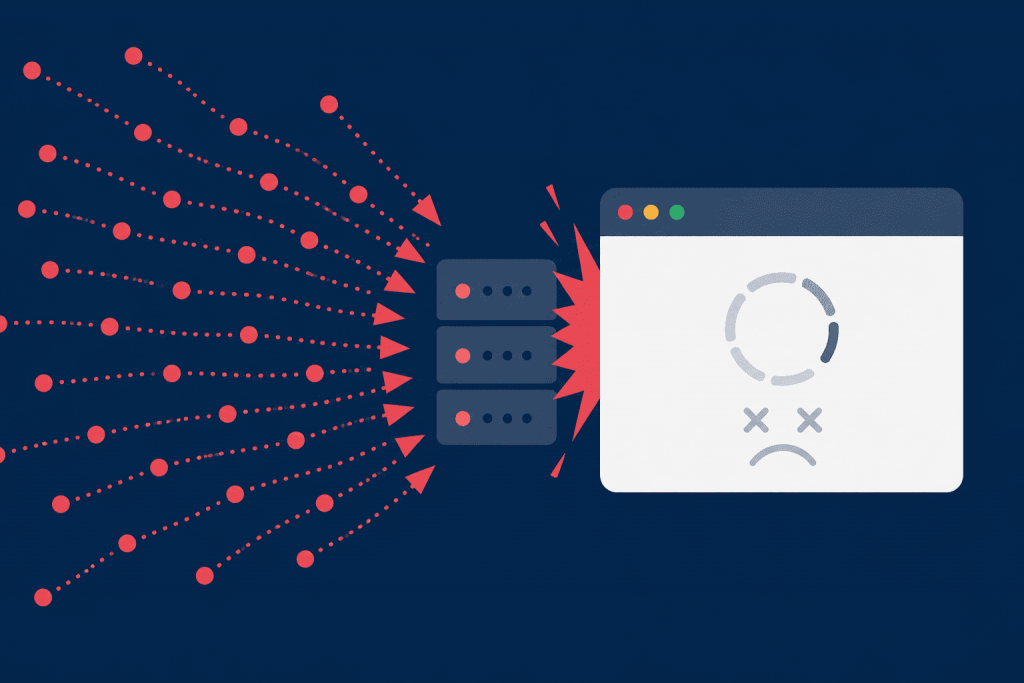
Sometimes a website starts behaving as if it is under a heavy DDoS attack: pages open slowly, the API responds with delays, 502 or 503 errors appear in the logs, and web server processes suddenly start consuming much more memory. But at the same time, there is no huge stream of requests, the channel is not saturated, and the load may come from a small number of connections. This is how HTTP/2 Bomb works. It is a DoS attack on HTTP/2 – the protocol through which a website or application exchanges data with the server. The attacker sends a relatively small amount of data but forces the server to spend much more memory processing it. As a result, the web server or proxy may freeze, start using disk instead of RAM, restart processes, or stop serving regular users properly.
The danger is that HTTP/2 is often enabled by default. It is used for HTTPS websites, APIs, CDNs, load balancers, reverse proxies, and ingress gateways in container infrastructure. A website owner may not configure HTTP/2 manually and still have it exposed at the entry point.
How HTTP/2 Bomb Works
HTTP/2 has a header compression mechanism called HPACK. Headers are service data in a request: cookies, host, user-agent, authorization, and other fields. Simply put, this is additional information that a browser or application sends to the server together with the request.
To avoid sending the same information many times, HTTP/2 can store it in an internal table and then use short references. In normal operation, this speeds up data exchange. But during an attack, this feature becomes a problem.
After decompression and internal processing, a small request can turn into a large number of objects in the server’s memory. If there are many such streams and they remain open for a long time, memory is not released in time.
So HTTP/2 Bomb is dangerous not only because of header size. The problem is how many internal structures the server creates and how long it keeps them. That is why the attack may be barely noticeable at the network traffic level, but very noticeable for RAM usage and service stability.
Who Is at Risk
Servers and proxies that accept HTTP/2 connections and do not have strict enough limits on the number of headers, cookie fragments, and stalled streams are at risk. The focus should be on nginx, Apache HTTPD with mod_http2, Microsoft IIS, Envoy, Cloudflare Pingora, and other HTTP/2 implementations in default or outdated configurations.
It is not enough to check only the main web server. In many projects, HTTP/2 terminates at a CDN, load balancer, reverse proxy, Kubernetes ingress gateway, or an intermediate service layer. If this exact layer is vulnerable or misconfigured, the attack will hit it, even if the application behind it works normally.
The first things to check are:
- VPS and dedicated servers with nginx or Apache;
- websites and APIs with HTTP/2 enabled;
- Kubernetes ingress gateways, Envoy Gateway, service mesh;
- servers without memory usage limits;
- infrastructure where one proxy serves many websites;
- control panels, CRMs, personal accounts, and internal services.
The main question is simple: which component accepts HTTP/2 requests from the internet, and has it been updated to a safe version.
How to Understand That the Problem May Be in HTTP/2
HTTP/2 Bomb does not always look like a classic attack. There may be no thousands of IP addresses, no large traffic volume, and no obvious spike in requests. More often, it looks like a sudden memory leak.
Typical signs:
- memory consumption grows quickly in nginx, Apache, Envoy, or IIS;
- the server starts using disk as a reserve for RAM;
- the number of long HTTP/2 connections increases;
- 502, 503, or 504 errors appear;
- web server worker processes restart or terminate because of lack of memory;
- in container infrastructure, individual services restart frequently;
- website responses slow down, although the traffic does not look abnormal.
For an initial check, there is no need to run exploits. It is enough to look at the actual package versions, check whether HTTP/2 is enabled on the HTTPS entry point, and review the limits for headers, connection timeouts, and memory usage.
How to Fix HTTP/2 Bomb
The main way to protect against it is to update the component that accepts HTTP/2. For nginx, you need to check whether it can be updated to version 1.29.8 or newer, where the max_headers limit was introduced. It limits the number of headers the server is willing to process in a single request.
For Apache, it is important to look not only at the general httpd version, but also at the mod_http2 module. This is the module responsible for HTTP/2 processing. So updating only part of the system may not solve the problem.
For Envoy, you need to check the release branch and the parameters related to the number and size of headers, in particular max_headers_count and request header limits. This is especially important for Kubernetes and service mesh, where Envoy often stands in front of applications without the website owner noticing it.
If updating quickly is not possible, a temporary option is to disable HTTP/2 on the vulnerable entry point. For a regular website, this may be an acceptable compromise. But if gRPC, mobile applications, or services that depend on HTTP/2 are used, this decision should be tested carefully.
What to Configure for Prevention
An update closes a specific vulnerability, but the server still needs to be protected with limits. HTTP/2 should not be left without control, because a small request at the network level can be expensive at the memory level.
For prevention, it is worth configuring:
- a limit on the number of headers in a request;
- limits on the total header size;
- correct accounting of cookie fragments;
- timeouts for inactive or stalled HTTP/2 streams;
- memory limits for processes, containers, and individual services;
- monitoring of memory, 5xx errors, and service restarts.
It is also worth checking the chain CDN → proxy → web server → application separately. Protection should be applied at the level where HTTP/2 actually terminates. If the CDN accepts HTTP/2 but then passes HTTP/2 further to the main server, the weak point may remain inside your infrastructure.
What a Website Owner Should Do Now
First, you need to determine whether HTTP/2 is enabled and which exact component processes it. This may be nginx, Apache, Envoy, IIS, CDN, load balancer, or ingress gateway. Then check the version of this component and whether security updates are available.
Next, it is worth explicitly configuring limits for headers, connection timeouts, and memory usage. For most websites, there is no normal reason to accept thousands of headers in a single request or keep streams open indefinitely.
HTTP/2 Bomb is not an attack that can be stopped only with a wider channel or a classic network filter. It hits the request processing logic inside the server. So real protection consists of three things: an updated web server or proxy, strict HTTP/2 limits, and resource control. This reduces the risk that a few non-standard connections will be able to take down a website or the entire server.
Leave a Reply