

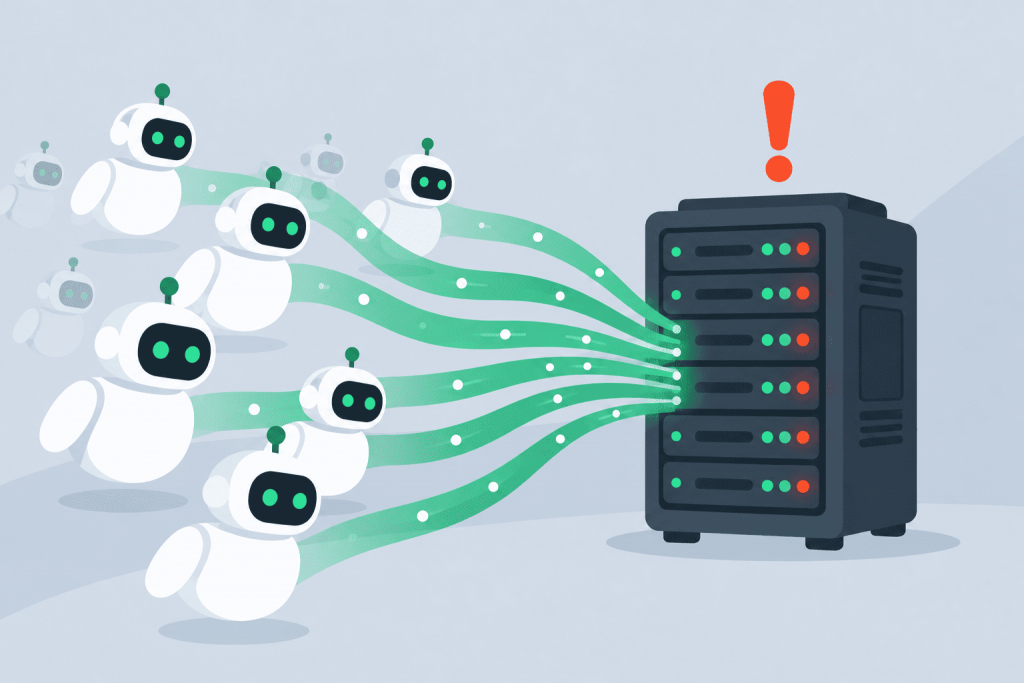
Imagine the situation: in the morning, the hosting control panel greets you with an availability error notification, while the pages themselves open with a noticeable delay. The statistics are silent, ad campaigns are not running, and there is no spike in real visitors. Most likely, the reason lies in invisible visitors – bots that scan content for training neural networks.
What kind of infrastructure are we talking about
Renting shared hosting or a VPS always means a clearly defined set of computing resources: CPU time, RAM, disk system speed, and a monthly network traffic limit.
This is exactly the infrastructure that comes under pressure from AI crawlers. Scripts run thousands of pages through themselves, pulling out texts, graphics, and product databases. For the server itself, this activity looks like a sudden influx of users, except these “guests” do not create orders, but they do reliably burn through real resources.
Load on the processor and RAM
The problem is not so much in downloading static files as in the way this working junk loads the system. Bots actively hammer internal search, click through complex catalog filters, and access dynamic elements. Every such request pulls heavy queries up from the depths of the database.
When a dozen such parsers hit the site at the same time, RAM gets packed with temporary processes, while the processor runs at the critical edge of 100% load. As a result, ordinary customers wait ages for a page to load or get a dropped connection.
Exhaustion of database and file system resources
Online stores and content projects suffer the most from the artificial intelligence meat grinder. A MySQL or PostgreSQL database has a physical limit on the number of simultaneous connections. AI scanners can exhaust that limit in literally a couple of seconds.
At that point, everything on the site tied to dynamic functionality goes down: the cart, checkout form, personal account. At the same time, the disk starts continuously reading data blocks to send them to robots, which finally slows the entire system down.
Exceeding traffic limits and unnecessary expenses
Automated scraping eats through the network channel much faster than real people do. Robots take pages “as is” – together with high-resolution images and media files.
If the plan has a traffic limit, it can be exhausted within days. After that – either additional charges from the provider for every gigabyte over the limit, or a sudden server shutdown. The result is an absurd situation: you have to buy a more expensive plan not because sales are growing, but to feed someone else’s bots.
Risks for content and SEO
Besides the technical side, there is also a marketing one. By pulling texts, reviews, or product cards, AI models take intellectual property into their knowledge bases. As a result, chatbots provide answers based on this data, but give no link to the original source.
Regular search traffic suffers in parallel. Google’s algorithms clearly track server response speed. If bot raids cause the site to regularly return errors or load slowly, rankings in search results will simply start sliding down.
How to protect a server from uncontrolled scraping
Relying on the robots.txt file no longer makes much sense: most artificial intelligence developers ignore blocking directives. Real protection only works at the server configuration level.
The simplest and most effective step is to configure Rate Limiting. This rule limits the number of requests from a single IP address per second. A person physically cannot open fifty pages in a moment, so the system cuts off only automated scripts.
Filtering at the Nginx or Apache level also helps. It is enough to add known AI bot signatures to the User-Agent blocklist so that the server rejects such connections right at the entrance. For more comprehensive protection, it is better to enable a WAF firewall: it analyzes traffic behavior and cuts off suspicious robots before they reach the database.
Leave a Reply