

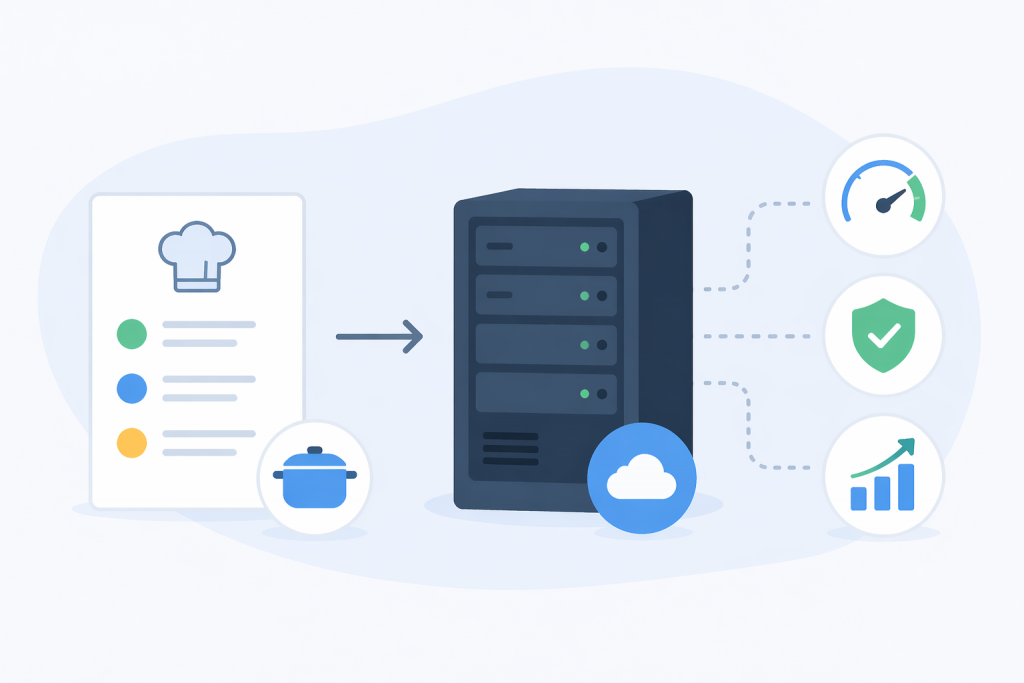
Renting a VPS often feels like moving into an empty apartment without furniture or appliances: you get a “clean” operating system where, by default, there isn’t even a database or a web server. Previously, this meant hours of manual work in the terminal and fixing random mistakes in configs, but recipes allow you to skip this routine.
VPS recipes are a set of proven scripts that automatically deploy a ready-made environment for a specific task. You still retain full access to the system, but you get a configured foundation you can start working on within minutes after launch.
How it works and why it’s hard without them
Behind every recipe is the logic of an experienced admin who already knows which packages to install and which ports to open so everything works from the first try. Automation simply repeats these steps according to an ideal scenario, removing the human factor and small configuration errors. This approach helps when a project needs to be launched “by yesterday” or when there’s no desire to dive into the details of system administration. If your goal is to build software or run ads, not to study console command syntax, automation lets you focus on the result, leaving the technical groundwork to algorithms.
Areas where ready-made scenarios are used
There are countless ways to use recipes – from hosting simple scripts to deploying complex analytical platforms. Below are just a few common examples of how this works in practice.
- Working with data:
For classic websites, MySQL or PostgreSQL are usually deployed. If the project architecture предполагает a flexible structure without strict schemas (for example, for large volumes of unstructured logs), MongoDB is more often chosen. - Management interfaces:
Not everyone is comfortable working through the terminal. Installing cPanel or HestiaCP adds a familiar visual panel where the server can be managed with mouse clicks. Webmin is another option for those who want to see the system state without SSH access. - Performance:
When a site starts to “slow down” due to a surge of visitors, Redis or Memcached are added. These tools cache data in RAM, significantly reducing the load on the main server resources. - Corporate communications:
On a VPS, you can set up your own mail server based on Postfix or Dovecot. This gives full control over company correspondence on your own domain, without the limitations of third-party services. - Development automation:
Development teams use Jenkins or GitLab Runner. This allows you to set up a process where every code change is automatically checked and deployed to the server. - File storage:
If you need a private alternative to cloud drives, Nextcloud is used. For simple data exchange between employees, setting up standard FTP/SFTP access is enough.
Available solutions on VPS from RX-NAME
The control panel includes the most in-demand configurations. They are designed to solve technical tasks in a few minutes, allowing you to immediately move on to working on your project.
- VPN Outline
An ideal solution for organizing private network access. Its main advantage is minimalism. You get a server that is easy to manage through an access key, without the need to manually configure certificates or complex traffic filtering rules. - Uptime Kuma
This is your monitoring center. The recipe deploys a panel that checks the availability of your websites, APIs, or other servers in real time. If something “goes down,” the system instantly sends a notification, allowing you to respond to failures before your clients notice them. - Nginx install
Installation of one of the fastest web servers in the world. It works as the “entry gate” for your traffic, efficiently distributing requests. This is a basic element for any project: from a static landing page to a complex high-load application. - N8N install
A powerful tool for automating workflows. It allows you to connect hundreds of services (for example, Telegram, Google Sheets, CRM) and build logical chains of data exchange without writing code. - VPN OpenVPN
A classic among encrypted tunnels. Choose this recipe if you need a flexible tool with wide configuration capabilities: from building a complex corporate network to detailed management of each individual user’s permissions. - VPN WireGuard
The most modern protocol, known for its high speed and low CPU load. It almost does not affect internet connection speed and reconnects instantly when the network changes, making it the best choice for constant use. - WordPress Apache
A ready-made bundle of a popular CMS and a web server. This is a time-tested architecture where everything is already optimized for correct work of themes, plugins, and permalinks. Optimal for quickly launching a blog or a company website. - Docker install
Deployment of an environment for running containers. This is the “gold standard” of modern development, allowing you to isolate applications from each other, easily scale them, and move them between different servers without version conflicts. - Node.js install
A ready environment for running JavaScript on the server. The recipe installs the current version of the platform and a package manager, which is necessary for modern web applications, APIs, or real-time servers (for example, chats or game logic).
Why recipes are becoming the standard for VPS
Recipes have changed the very logic of working with a server, turning VPS from a product “for a selected few tech specialists” into an accessible and fast tool. Today, few people want to spend an evening manually configuring settings when complex technical steps can be completed in minutes thanks to proven scenarios. This makes it possible not to get stuck in administrative routine, but to immediately move to the essence – deploying projects, testing ideas, or scaling infrastructure. Automation has become the standard precisely because it removes unnecessary barriers, making the server ready to work here and now.
Leave a Reply