

As soon as the server gets a public IP address, automated scanners start checking it. They look for open SSH or RDP access, exposed databases, common passwords, and outdated services. This is a routine mass search for poorly protected systems, not necessarily an attack aimed specifically at your website.
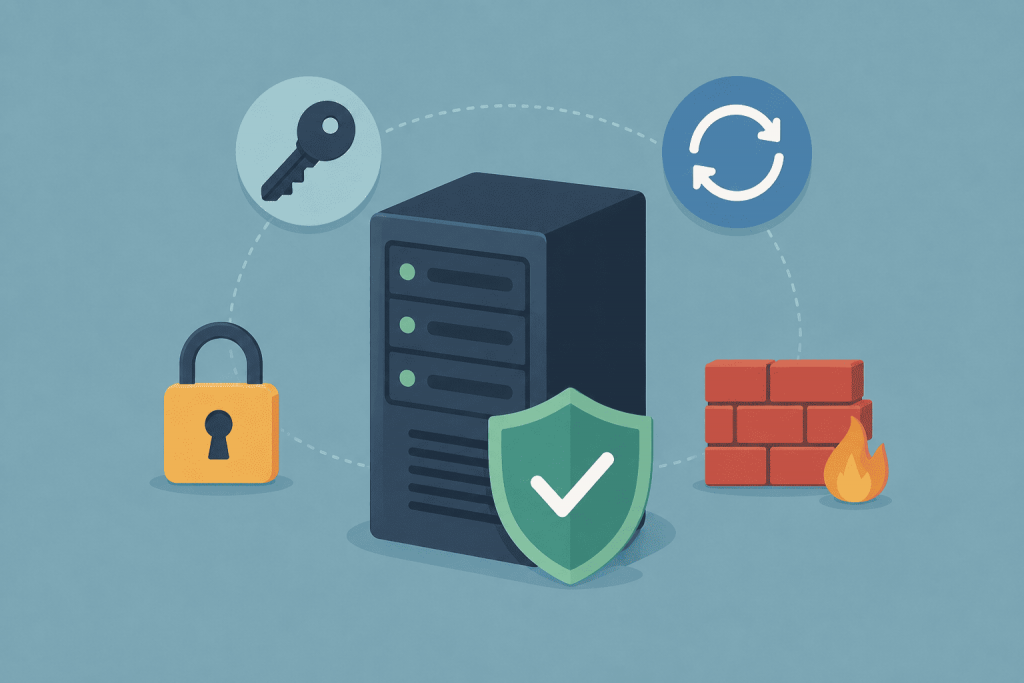
Minimum VPS security hygiene means the steps that need to be completed before launching a project: protect administrative access, close unnecessary ports, install updates, keep a separate backup, and be able to see when the server is behaving abnormally.
How to Protect Access to Linux and Windows VPS
On Linux, connections are usually made through SSH. Instead of constantly working as root, you create a separate user with sudo privileges. It is better to use an SSH key for login: the private part is stored on the administrator’s computer, while the public part is stored on the server.
After confirming that key-based login works, you can disable password authentication and direct root access in the OpenSSH settings. OpenSSH is the service that accepts SSH connections and determines who can log in to the server and how.
Fail2ban can also be installed on Linux. This program reads authentication logs and temporarily blocks IP addresses after a large number of failed login attempts. It reduces automated password guessing but does not replace an SSH key or a firewall.
On a Windows VPS, the main access channel is RDP. It is better to create a separate administrator account with a unique password and keep Network Level Authentication, or NLA, enabled. It verifies the user before a full remote session is created.
RDP should only be allowed from your own IP address or through a VPN. Windows policies should also be configured to temporarily lock the account after several incorrect login attempts. This makes automated password guessing more difficult.
Changing the default SSH or RDP port only reduces the number of random scans. It is not full protection.
Which Ports Are Actually Needed
A firewall determines which connections the server accepts and which it rejects. In Ubuntu, it can be conveniently managed through UFW, a simplified tool for creating network access rules. AlmaLinux and Rocky Linux use firewalld for the same purpose. In Windows, this task is handled by the built-in Windows Defender Firewall, which should not be disabled completely.
For a standard web server, HTTP 80 and HTTPS 443 are usually opened. SSH 22 or RDP 3389 should preferably be allowed only for trusted IP addresses.
MySQL port 3306, PostgreSQL port 5432, and Redis port 6379 should not be accessible from the entire internet if the website and database run on the same VPS. In that case, the database can accept local connections only.
Before enabling the firewall, you need to allow the current SSH or RDP port. Otherwise, you can lock yourself out of the server.
What Exactly Needs to Be Updated
On Linux, system updates are installed through apt or dnf. In Ubuntu, the unattended-upgrades package can automatically receive security fixes. This is useful for a VPS that the administrator does not check every day.
On Windows Server, you need to check that Windows Update is working and avoid postponing cumulative updates. If there are several servers, WSUS can be used for centralized management. This is a Microsoft service through which an administrator downloads, reviews, and deploys updates across multiple servers.
The control panel, web server, PHP, database, CMS, and plugins are updated separately. An updated operating system will not fix an old WordPress module or a vulnerable version of the control panel.
Microsoft Defender Antivirus should also be checked on Windows. This is the built-in antivirus that scans files and running processes in real time. Its definitions must be updated, and the entire disk or website folder should not be added to exclusions without a reason.
For a typical Linux web server, a separate antivirus is not the main protection measure. Timely updates, correct file permissions, closed ports, and running services under separate users are more important.
Why a VPS Snapshot Is Not Enough
A backup should be stored outside the main VPS. A copy on the same disk can disappear together with the server.
A snapshot captures the state of a virtual machine at a specific moment and is useful before a major update. However, it is not always an independent long-term backup.
For a website, you need to copy the files, database, and important configurations. For a Windows server running business software, this also includes its working directories, database, and licensing data. A backup can only be considered functional after a test restoration.
How to Notice a Problem Before the Website Goes Down
On Linux, login events and service errors are viewed in system logs, including through journalctl. This is a command for reading the systemd journal, which stores messages from the operating system and running services.
On Windows, the same role is performed by Event Viewer. It shows failed logins, system errors, stopped services, and update problems.
At a minimum, you need to monitor free disk space, processor load, memory usage, website availability, and database operation.
Uptime Kuma can be used for external checks. It is a free monitoring system that regularly checks a website or a required port and sends a notification if the service stops responding. The monitoring system itself should preferably not be hosted on the VPS it is checking.
After creating a VPS, you need to protect SSH or RDP immediately, configure the firewall, install updates, check the protection services, create a separate backup, and enable notifications. This is not a complete security audit, but these steps remove most of the typical mistakes found on a new server.
Leave a Reply