

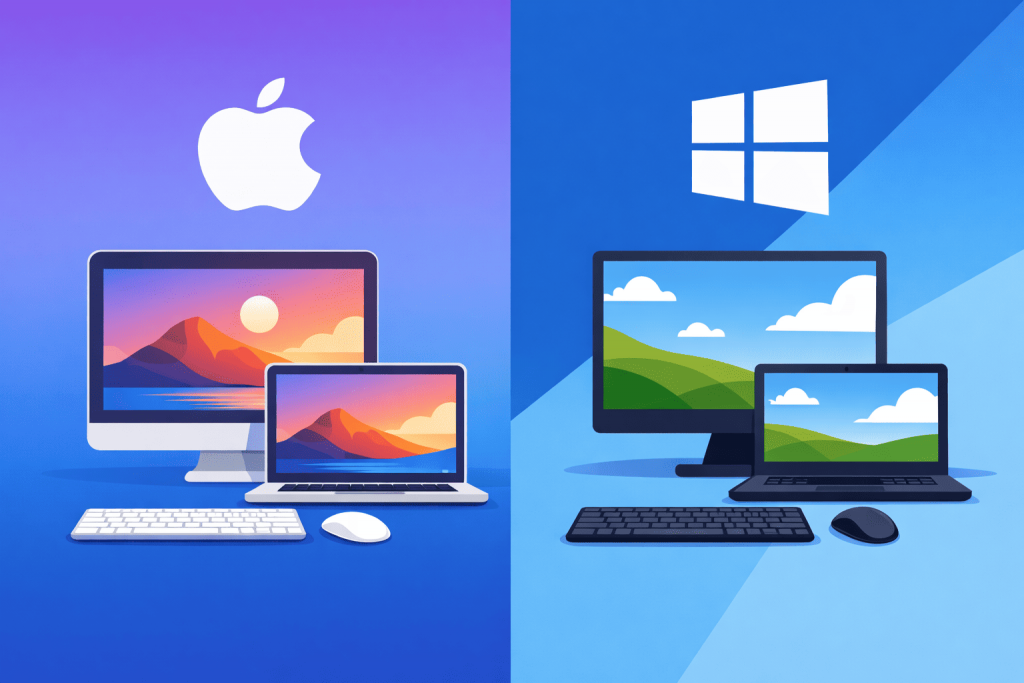
Discussions about what is better – macOS or Windows – usually flare up again after another Apple presentation. While some users cannot imagine a working day without a MacBook, others see such loyalty to the platform as nothing more than the result of marketing. In reality, the difference lies in fundamental approaches to developing software and hardware. Windows was originally created as a universal constructor that must run on thousands of combinations of motherboards and graphics cards. Apple chose another path, locking the system to its own hardware.
Processor race and new information triggers
Recently Apple introduced a new generation of its processors – M5 Pro and M5 Max – which will be installed in MacBook Pro laptops. This news only confirms the technological and performance gap between the platforms. The transition to its own ARM architecture allowed Apple to integrate graphics cores and blocks for complex calculations directly into the processor. Configurations with 40-core graphics are aimed at those who monetize data processing speed. Their price can reach 8000 dollars.
The announcement of the MacBook Neo based on the iPhone processor A18 Pro also looks interesting. This is an attempt to enter the segment of accessible working tools. Although in the United States the starting price is approximately 599 dollars, for the Ukrainian market this figure is only a reference point. Due to the absence of direct Apple Stores and the specifics of logistics, official retailers usually set prices taking into account taxes and import costs. Nevertheless, even a budget “Mac” makes you think: is it worth changing the familiar Windows environment for a closed ecosystem.
Predictability as a professional requirement
The main argument in favor of macOS is the absence of a “zoo” of drivers. When one company is responsible both for the trackpad and for the operating system kernel, the probability that something will stop working after another update is minimal. In the Windows world the system has to act as an intermediary between hardware from hundreds of different manufacturers, which sometimes leads to software conflicts. On macOS the computer simply performs its function immediately after opening the lid, which is critical for those who do not want to spend time on system administration of their own workplace.
Working with visual content
Historically, macOS has become a standard in the field of design and video production. The reason is not only aesthetics, but optimization for specific tools. For example, Final Cut Pro was created specifically for the Mac architecture, which makes it possible to edit heavy video files without delays even on not the most native hardware. Specialized blocks in the processors of the M series take on the main load during graphics calculations, freeing resources for other processes.
Environment for developers
Programmers and system engineers value macOS for its Unix roots. This makes the system related to most server platforms. Working in the command line here looks natural, and most tools for web development or infrastructure configuration run without the “workarounds” that are often required in Windows. This makes the MacBook a convenient terminal for managing complex projects.
Where Windows remains the leader
Despite all the advantages of Apple, Windows maintains its position thanks to flexibility. If work requires specific corporate software or narrow engineering applications, there are almost no alternatives to Windows. The same applies to the gaming industry, where support for hardware and game libraries is much wider. In addition, Windows allows you to assemble a workstation for a specific budget without overpaying for brand or design if that is not a priority.
Pragmatic choice of environment
In practice, the boundary between systems is often blurred. A modern specialist may write code on macOS while managing resources deployed on Windows servers or Linux hosting.
In the end, an operating system is only an interface between a person and the result of their work. For example, when working with remote computing resources such as VPS from RX-NAME, the type of your device does not play a decisive role. Using standard connection protocols, you will get the same level of control over the server. The RX-NAME Knowledge Base contains step-by-step instructions that help configure a stable connection regardless of what is on your desk – a MacBook or a classic PC. The choice depends on which environment feels more comfortable for pressing the keys.
Leave a Reply